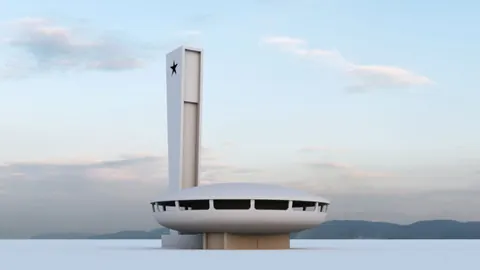
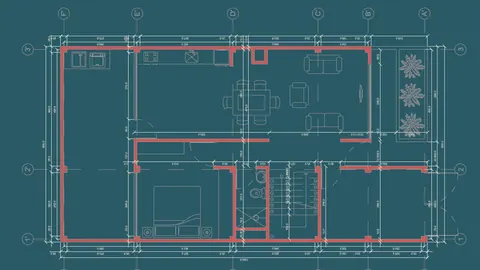
Architectural exoskeleton facades are a popular design element in modern architecture. An exoskeleton facade refers to a self-supporting external structure that wraps around the exterior of a building to provide support and create visual interest. In this tutorial, we'll walk through how to model this kind of facade in Rhino.
Overview of the Exoskeleton Facade Design Process
When creating an exoskeleton facade design in Rhino, there are a few key steps:
- Model the basic building form.
- Create curves for the exoskeleton structure.
- Give the curves some thickness and extrude them into 3D.
- Use Boolean operations to cut the exoskeleton from the main building surface.
The result is a building enclosure with a complex external structure that provides support and aesthetics. Exoskeleton facades are often made from materials like steel or glass fiber-reinforced concrete.
Modeling the Base Building Geometry
We'll start by importing a reference image to model the base building. After tracing the outlines and creating surfaces, fillets can be used to refine the geometry. The goal is to create a clean 3D surface representing one side of the core building shape.
Once the surface is ready, it can be mirrored to complete the entire building mass.
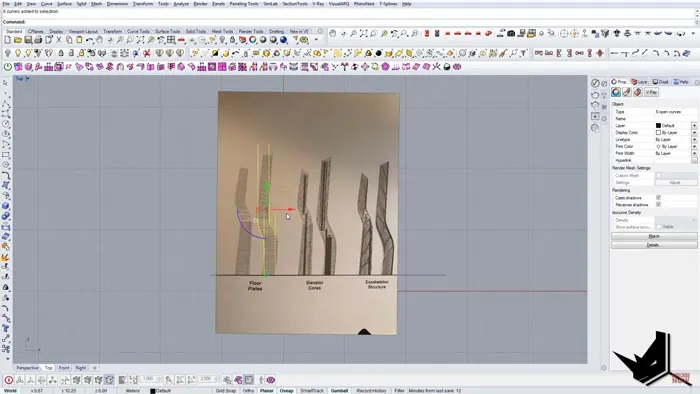
Creating the Exoskeleton Curves
With the underlying building form complete, we can start constructing our exoskeleton facade. This involves drawing curves on top of the surface which represent the structure's frame.
It helps to analyze the reference image to understand the overall pattern and how the curves change as they move up the building. Things like offsets and fillets will be needed to achieve the desired look.
The curves don't need to match perfectly, the goal is to capture the overall style and rhythm of the exoskeleton structure. Keep in mind the final material thickness will impact intersection fillets and other details.
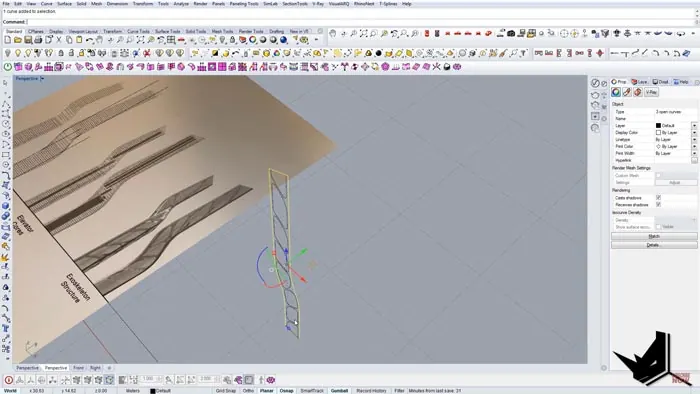
Extruding the Curves into 3D
Once the 2D curves are drawn, they can be extruded into 3D space. A depth of maybe 10-20cm is typical for an exoskeleton structure like this.
The extruded curves will later get subtracted from our main surface to create the perforated facade.
Performing the Boolean Operation
With the 3D exoskeleton curves in place, we're ready for the final step. Using Rhino's Boolean tools, we can subtract the exoskeleton from the main surface.
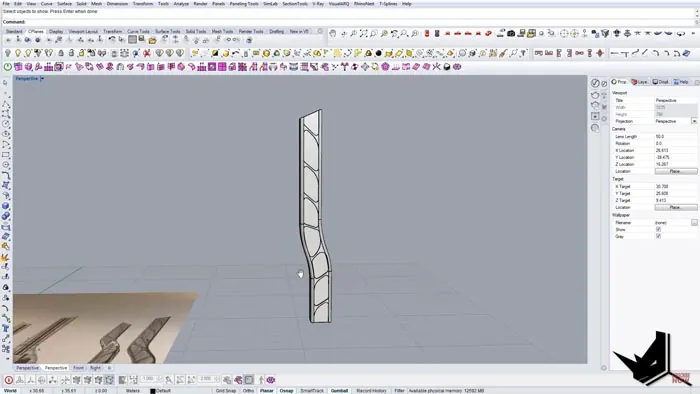
This will cut through the building enclosure, leaving behind only our exterior structure. The result is a complex faceted facade showing off the exoskeleton design.
Finalizing the Facade Details
From here, further refinements can be made to finalize the project. Edge fillets can be added to soften sharp transitions and improve constructibility.
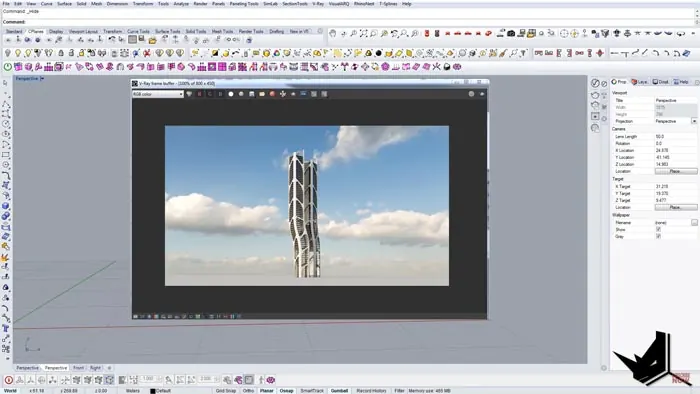
The openings in the facade can also be turned into glass panels to complete the enclosure. This allows us to visualize how light and transparency will shape the interior space.
Conclusion
Exoskeleton structures are an exciting way to create lightweight, minimal buildings with striking visual impact. As we've seen, the process involves:
- Modeling the base surface
- Drawing facade curves
- Extruding into 3D
- Subtracting from the main geometry
The end result is a complex, geometric structure that appears to float outside the primary building volume. Rhino's powerful modeling tools make it easy to experiment with different exoskeleton patterns.
Next time you have a unique architectural concept, try modeling it as an exoskeleton facade in Rhino. The modeling process is enjoyable and it's amazing to see your design brought to life.

Rhino for Architects Course
Give your architectural skillset a major boost with the Rhino for Architects Course. Get over 60 hours of focused training tailored specifically for architects. Master commands and techniques to model, render, and animate architectural visualizations at the highest level. Click below for more information and watch your designs come alive!