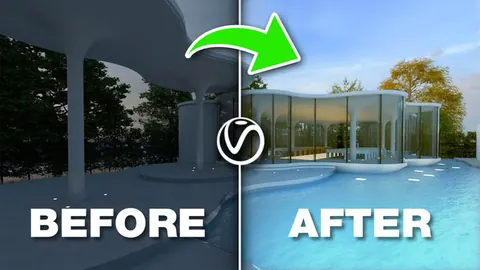
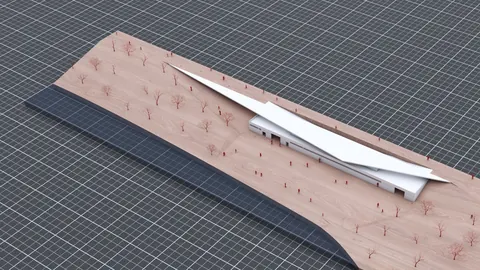
Creating realistic and dramatic lighting is crucial for any 3D visualization. With V-Ray for Rhino, you can easily set up complex daytime and nighttime scenes with accurate shadows, reflections, and illumination. In this post, we will explore some best practices for lighting in Vray to take your Rhino renders to the next level.
Setting Up the Materials
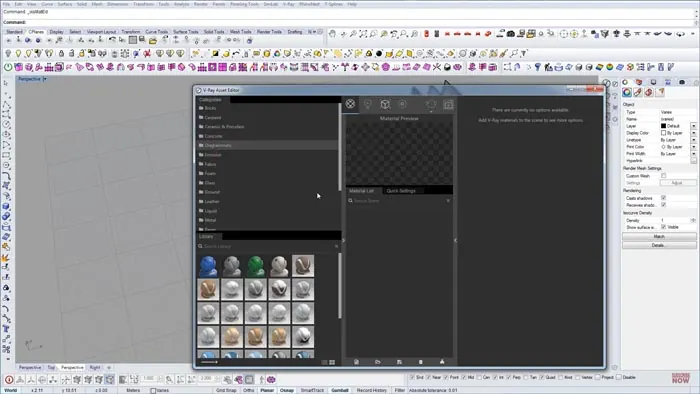
When lighting a scene in V-Ray, it’s important to have your materials properly configured first. V-Ray comes with a robust material library including common textures like concrete, metal, glass, vegetation, etc. After modeling your geometry, apply the appropriate materials using the asset editor. Make sure to adjust the mapping coordinates so the texture fits the model correctly.
For more complex materials like glass, take advantage of the advanced settings in V-Ray to fine-tune reflections, refractions, and more. Properly set up materials will react naturally to the lighting.
Using V-Ray Sun and Sky
The V-Ray Sun and Sky system offers an accurate model of daylight in your scenes. Enable the V-Ray Sky and place a V-Ray Sun object to mimic the position of the sun at a specific time and location. Adjust the size and intensity of the sun to cast shadows appropriately over the scene.The V-Ray Sky will generate the natural gradients and atmospheric effects based on the sun's position. This creates realistic outdoor lighting informed by real-world values.
Crafting Nighttime Scenes
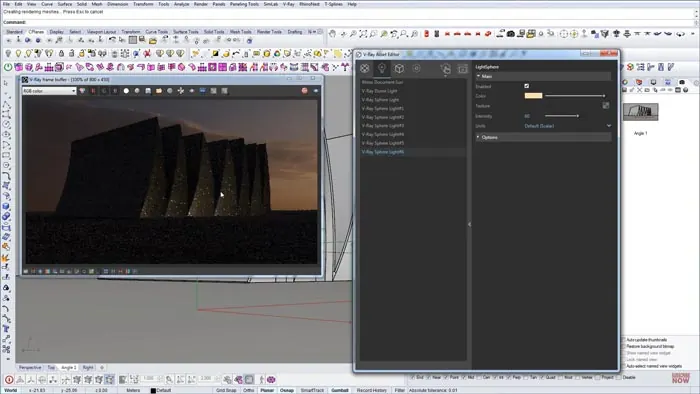
Creating convincing nighttime visualizations requires more attention to light sources. A night scene typically relies more on artificial lights like street lamps, interior lighting shining through windows, illuminated signs, and other fixtures.
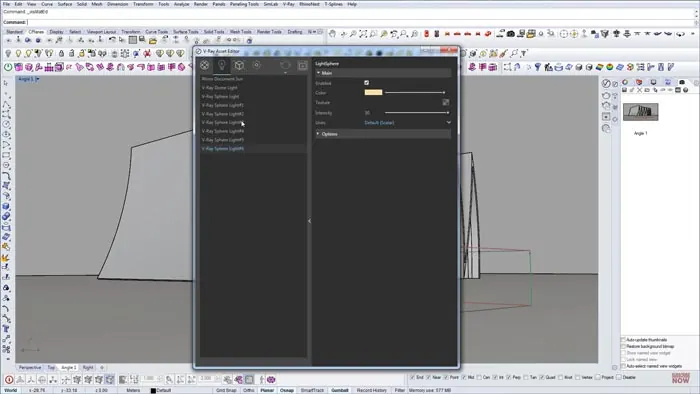
V-Ray offers several types of artificial lights including spotlights, rectangular lights, sphere lights, etc. Use these to place lighting sources where needed such as street lights lining a road or ceiling fixtures inside a room. Adjust intensity, color, and falloff values to craft the desired ambiance.
Using Image-Based Lighting
Image-based lighting (IBL) is a powerful technique for both day and night scenes. With IBL, an HDRI environment map provides lighting and reflections from all directions. This anchors the 3D model into a realistic space.
In V-Ray, use a V-Ray Dome Light with an HDRI map for image-based lighting. Position the dome to surround the scene. The HDRI image will illuminate the scene with soft, natural lighting that automatically adapts to surface angles and materials. IBL is extremely useful for crafting realistic renders.
Tweaking and Refining
The key to great lighting is experimentation and refinement. Use V-Ray’s Interactive Rendering to get quick feedback as you tweak light intensity, color, positioning, and settings. Add and adjust lights until you craft the desired mood and ambiance.Pay attention to shadows, reflections, and bounced lighting. Increase render quality for final renders to capture fine details.
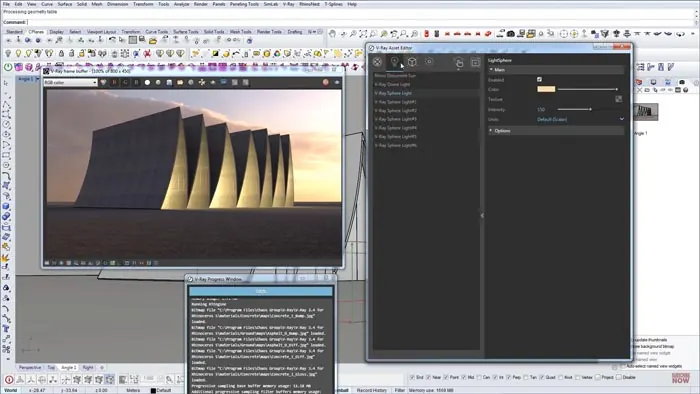
With practice, you'll learn techniques to light all types of scenes from daytime exterior visualizations to moody interior spaces.
Conclusion
Proper lighting in Vray can make or break the realism of your architectural visualization. Using accurate sunlight, convincingly artificial lights, and image-based lighting, you can craft high-quality renders that impress clients and wow viewers. With Vray’s powerful lighting tools, the possibilities are limitless.

Rhino for Architects Course
Give your architectural skillset a major boost with the Rhino for Architects Course. Get over 60 hours of focused training tailored specifically for architects. Master commands and techniques to model, render, and animate architectural visualizations at the highest level. Click below for more information and watch your designs come alive!