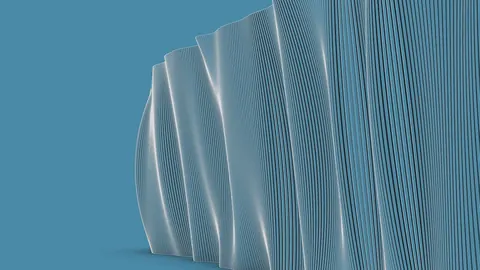
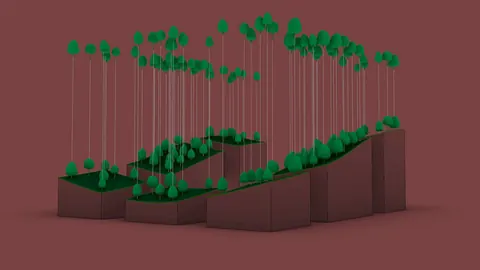
Grasshopper is a visual programming plugin for Rhino that allows designers to generate complex geometry and iterate quickly. One powerful technique in Grasshopper is lofting, which creates smooth surfaces between curve profiles. In this tutorial, we'll learn how to create lofted geometry in Grasshopper step-by-step.
Overview
Lofting is the process of creating surfaces that transition smoothly from one curve profile to another. This enables us to make flowing, organic shapes.
In Grasshopper, we can loft between open or closed 2D curves to create surfaces. The curves can be planar or non-planar. Lofting in Grasshopper is great for making smooth transitions between different surface shapes.
In this tutorial, we'll cover:
- Creating curve profiles to loft between in Rhino
- Bringing curves into Grasshopper
- Organizing curve data for lofting
- Lofting in Grasshopper curves to create surfaces
- Controlling loft shape
Creating Curve Profiles
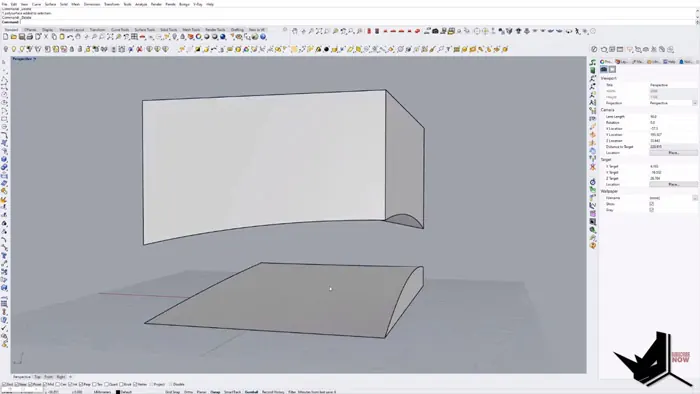
First, we'll model some curves in Rhino to loft between. Here, we'll create two curved surface patches and extract their top and bottom edges. Draw two curved surface patches and rebuild them. Then, extract the top and bottom edges of each surface and join the tops and bottoms into a polysurface.
This gives us two open curves to loft between.
Bring Curves into Grasshopper
In Grasshopper, we need to:
- Import the two curves
- Flip one so that they align properly
- Set them as Grasshopper curve parameters
The Flip component flips the curve orientation. This ensures the curves align smoothly for lofting in Grasshopper.
Organize Curves for Lofting
To loft, we need to organize the curves into the proper nesting order. We will generate interpolated curves between the two curves, and then remap the interpolation parameters from 0 - 1.
We use Graph Mapper to adjust the curve distribution.
Using Bounding Box we will get the curve centers and then again use Graph Mapper to scale the centers.
Next, we’ll merge all the curves into one tree and then flatten it for lofting.
This creates our final ordered set of curves ready for lofting in Grasshopper.
Lofting in Grasshopper
With properly organized curves, we can now:
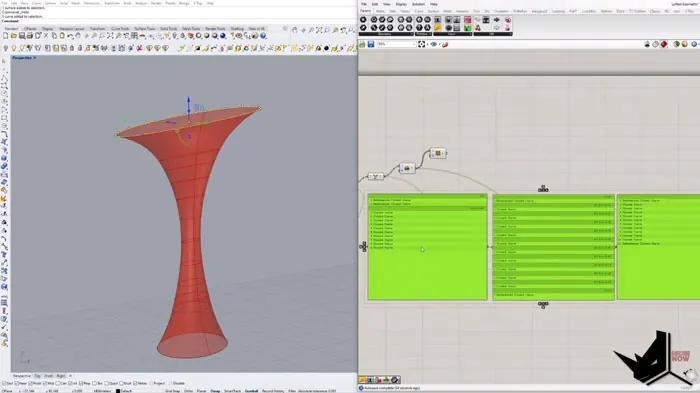
- Plug curve tree into Loft component
- Connect loft to preview surface
And we have our lofted surface!
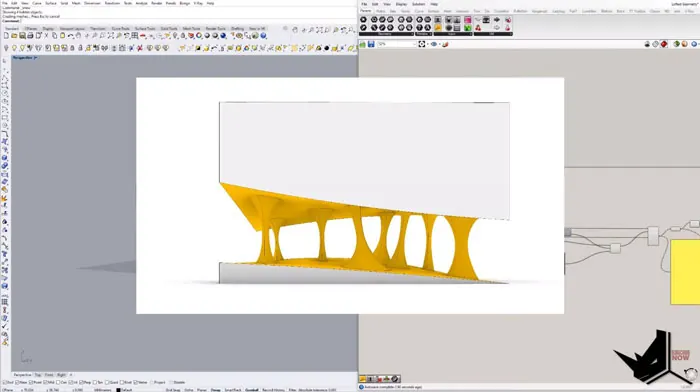
Controlling the Loft
There are several ways to control the loft shape:
- Curve positions - Move the original curves to reshape the loft
- Curve distribution - Add more interpolated curves for smoother loft
- Graph mappers - Control point distribution and scaling
This enables the creation of a wide variety of smooth surface shapes with lofting in Grasshopper.
Summary
Lofting in Grasshopper between curves is a powerful technique in Grasshopper. It allows us to create smooth transitions between different surface shapes, to model flowing, and organic surfaces, and to quickly iterate and refine the shape
With the steps covered here, you can loft your own curves to design complex geometry in Grasshopper.
To learn more Grasshopper tips and workflows, check out our Grasshopper Complete Course linked below. It covers essential skills for using Grasshopper in design and takes you on the journey to advanced parametric modeling.

Grasshopper Complete Course
Give your architectural skills a boost with the Grasshopper Complete Course. Get over 50 hours of comprehensive Grasshopper training tailored for architects. Learn to generate and iterate designs faster. Click below for more information and streamline your workflows!