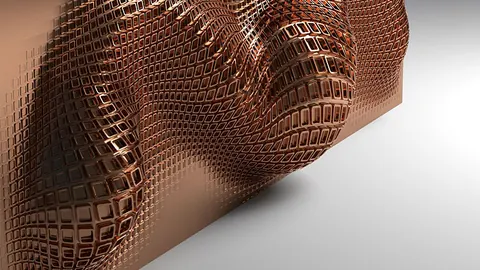
Mastering Rhino and Grasshopper can elevate your architectural design skills greatly. With this tutorial, you're going to learn how to create complex geometrical shapes and structures in Grasshopper. We're going to use Math in Architecture by using the Ternary Tower project by Hayri Atak Architectural Design Studio (Haads) as an example.
Creating the Initial Geometry with Grasshopper
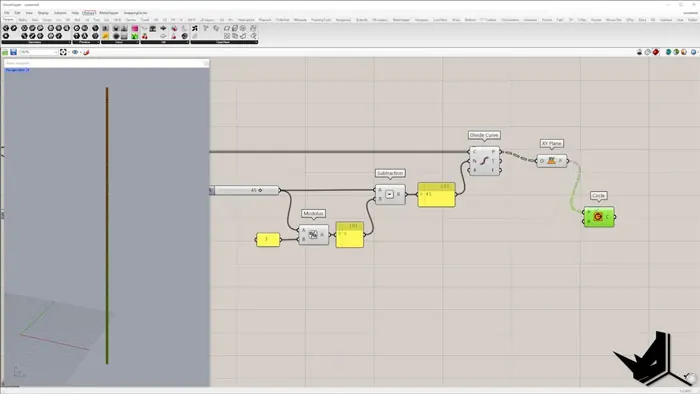
Firstly, we're going to create the initial geometry in Grasshopper. The basis for all architectural models is in its parameters. With this in mind, the first thing we need to do is set the number of segments for our verical line. This way we will ensure the consistency of our design. Secondly, we need to decide the minimum and the maximum circle radius.
Although this may sound like a minor detail, it does play a huge role in the aesthetics of the final product. Keep in mind that this step is only for visualization, we're not actually creating a surface just yet.
Extending the Geometry
In order to extend the geometry both on the top and the bottom, we will select the circles. In this case, we're going to select the items with indices 0 and -1 on our list. These are the first and the last item in the list, which we are then going to move along their respective directions.
For this purpose, we're going to use the Move command and move the to the opposite direction, which will subsequently create symmetry.
Establishing Position of Other Towers
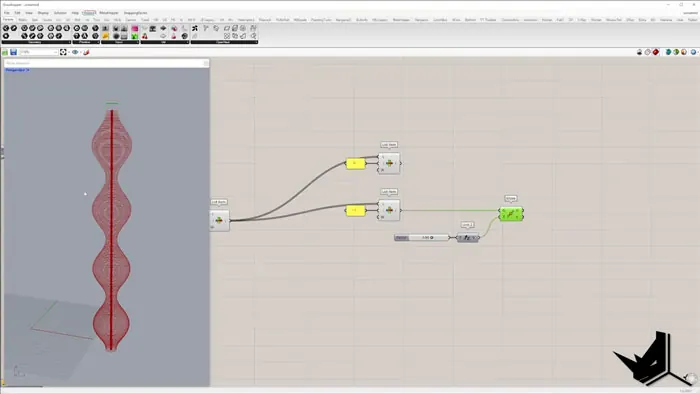
Once we finalize the first tower and its geometry, we can move on to positioning the other two towers. When you're designing these kind of interconnected towers, the symmetrical harmony is important. With that in mind, we can use our initial set of circles to generate and interpolated curve. Once you move this line in the direction you want, we can position our second tower.
Pay special attention to the positioning because it's important that the towers integrate seamlessly. You can align the final tower precisely by mirroring the set of circles and then moving them along the vector we used for the interpolated curve.
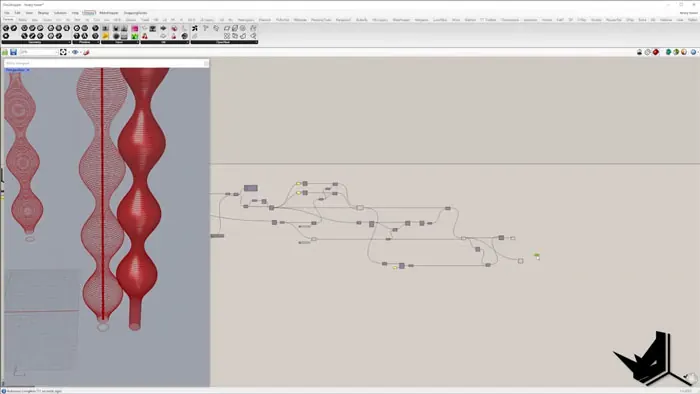
Adjusting the Geometry
In this case, our second and third tower aren't touching the ground. In order to fix this, we need to project the circle with the index 0 onto the ground plane. Afterwards just repeat the same process for all of the towers.
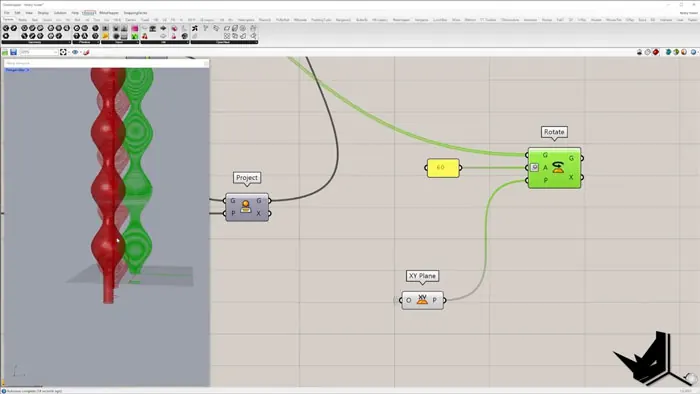
Fine-tuning the Geometry
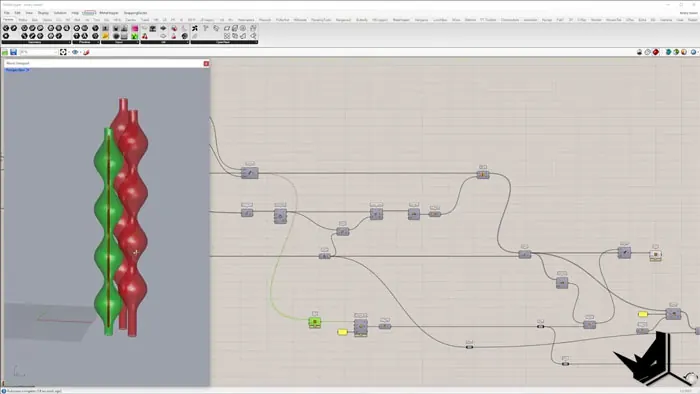
After we've succesfully created and positioned all three of the towers, we can fine-tune our geometry using sliders. Not only can we change the number of segments and the divisions on each of them, but also the minimum and maximum radius values.
Additionally, we can also change the length of extension on the top and bottom.
Advanced Concepts and Learning Resources
For those of you who would like to dive deeper into all this, there are extended tutorials which explore advanced concepts, such as creating surface openings and generating rhythmic effects. These are available on our Patreon page, along with Project files.

Grasshopper Complete Course
Give your architectural skills a boost with the Grasshopper Complete Course. Get over 50 hours of comprehensive Grasshopper training tailored for architects. Learn to generate and iterate designs faster. Click below for more information and streamline your workflows!