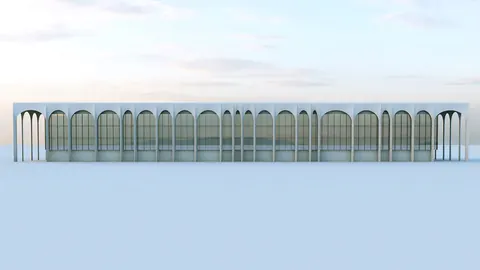
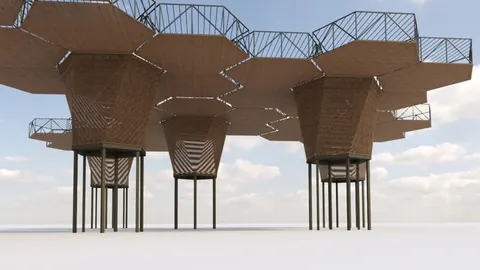
Are you interested in learning how to make 3D models of famous buildings using Rhino? You're in the right place! In this tutorial, we are going to teach you how to modeling Alvorada Palace step by step. This building is well-known because it was designed by the famous architect Oscar Niemeyer. Let's start with a bit of background about the palace.
What Makes Alvorada Palace Special?
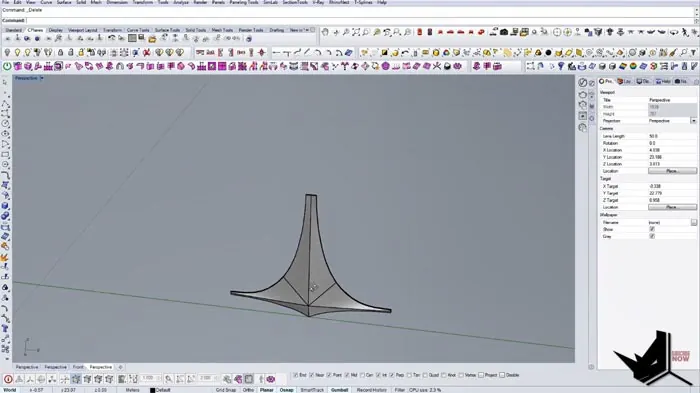
Oskar Niemeyer designed the Alvorada Palace. It's a beautiful building that's known for its unique columns. These columns are a bit tricky to design but don't worry, we'll show you how to do it easily using Rhino.
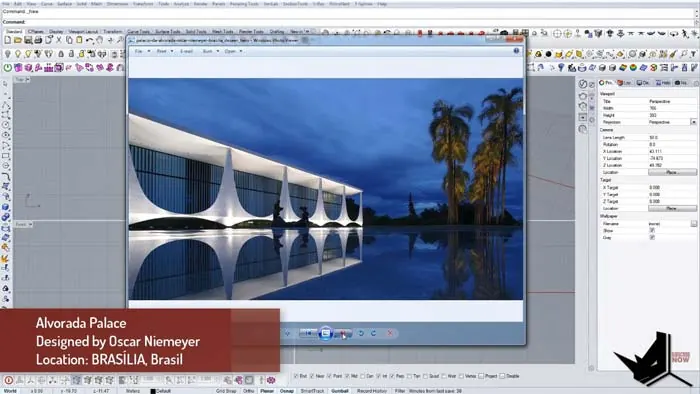
Modeling Alvorada Palace: Setup
To start, we need a reference image. Find a good picture of the palace and upload it to Rhino. This will help you get the proportions right. Make sure to adjust the image so it fits well in your working space.
Building the Columns Step by Step
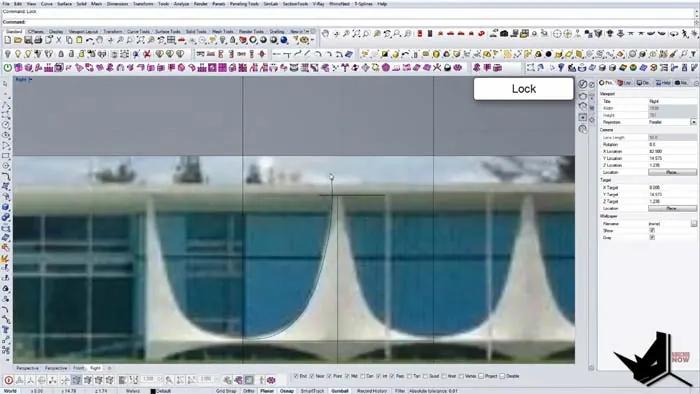
The columns of the palace are made up of smaller parts called modules. We'll first create one module in Rhino. To get it just right, we'll be tweaking the curves a lot using the F10 function and setting points to get the shape perfect.
Next, we'll make the module 3D. This involves paying close attention to how the columns look from different angles and adding those details to our module.
Using the Sweep2 Tool
Now, it's time to use a tool called 'Sweep Two' to develop our module. This tool helps us create the top and bottom parts of the column. We'll use it to copy our module, making sure it lines up perfectly with our reference image.
Putting it All Together
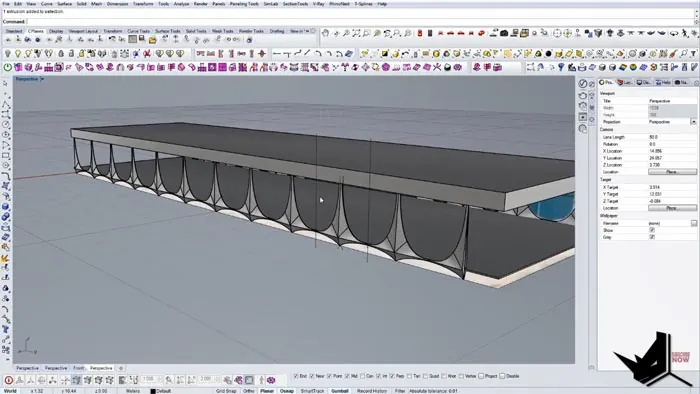
After we've made one column, we copy it to create the full set of columns for the palace. This is where we check that everything looks good together and make any small changes needed.
We'll also start adding other parts of the building, like the floors and ceilings, to make our 3D model look complete.
Finishing Up
As we finish up, you'll see your 3D model come to life! It's a rewarding process to see the building take shape. Remember, it's your model, so feel free to add your own touches to Niemeyer's design.
Join the HowToRhino Community
We hope you enjoyed this project! We'd love to hear your thoughts in the comments. Feel free to share this tutorial with others who might be interested. Stay tuned for more tutorials to help you become a pro at using Rhino for architectural designs.

Rhino for Architects Course
Give your architectural skillset a major boost with the Rhino for Architects Course. Get over 60 hours of focused training tailored specifically for architects. Master commands and techniques to model, render, and animate architectural visualizations at the highest level. Click below for more information and watch your designs come alive!