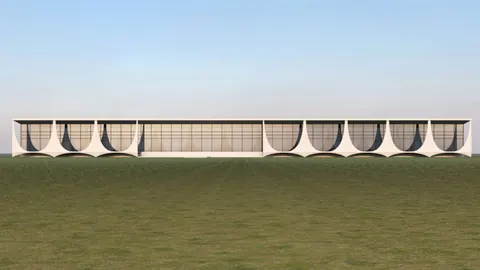
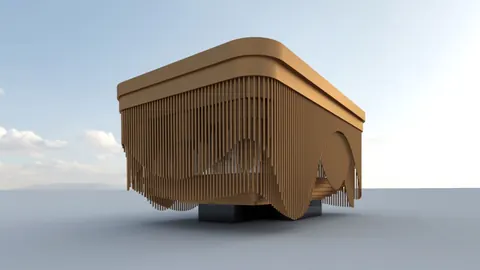
The unique curved facade of the Mondadori headquarters in Milan is one of architect Oscar Niemeyer's most recognizable projects. In this step-by-step tutorial, we'll look at modeling the iconic Mondadori HQ in Rhino 3D modeling software.
Overview
Oscar Niemeyer, the prolific Brazilian architect known for his modernist concrete buildings, designed the Mondadori headquarters building in 1968. Located in Milan, the building's sweeping curved facade and arches are an excellent example of Niemeyer's style.
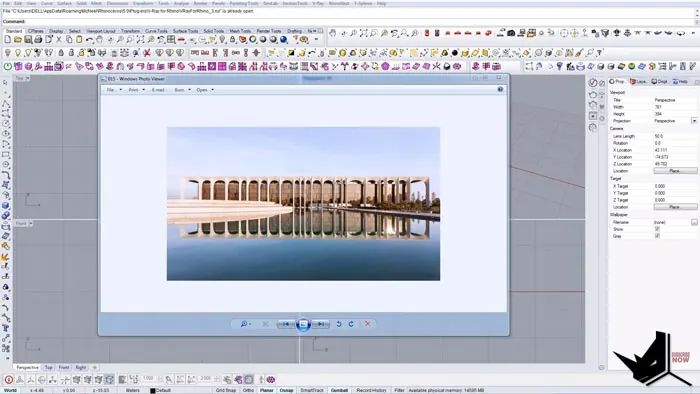
In this tutorial, we'll model the signature curved facade in Rhino. We'll look at techniques for creating accurate arched modules and mirroring them to form the full curved surface.
Setting Up the Model
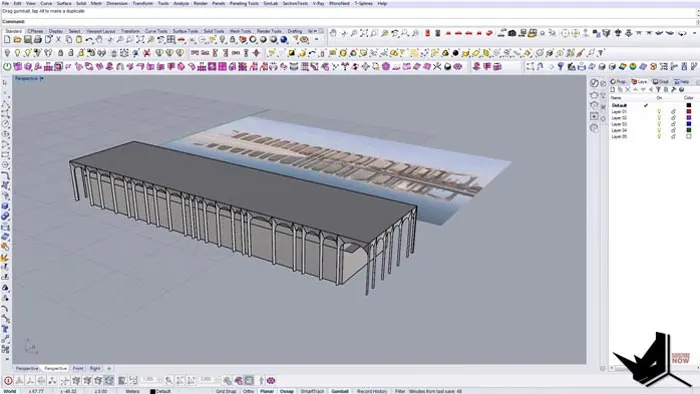
First, we'll import a reference image of the Mondadori HQ into Rhino. After scaling and positioning the image, we'll draw some guidelines to indicate the overall size of the building.
Next, we'll create a single module that will become the basis for the full facade. Using simple shapes like rectangles and circles, we can form the arched piece step-by-step. The key is to use Rhino's Curve Boolean tool to subtract the circle from the rectangle to create the indented arch shape.
Creating and Arranging the Facade Modules
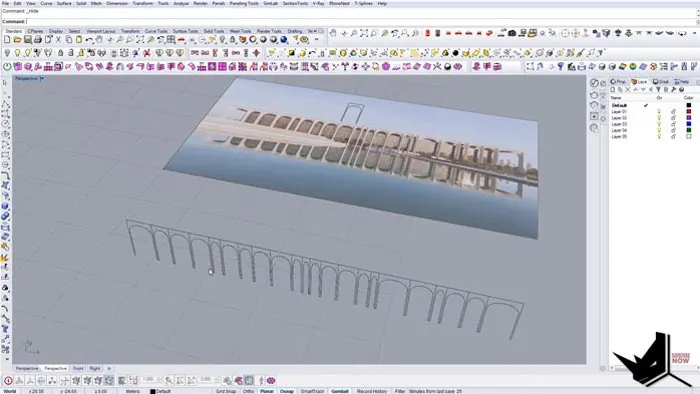
With our module ready, we can now duplicate it across the facade. Here is where we need to be careful - simply copying and scaling will distort the arches. Instead, we split the module curves and scale only certain edges to retain the correct geometry.
After mirroring and arranging multiple modules across the facade, we connect them by drawing lines between the arches. Then we use the Sweep 2 rail command to create the smoothly joined surface from the rail curves and cross section arcs.
Adding the Remaining Building Elements
To complete the model, we add the flat roof, extrude the side walls, and create the recessed front portion. With all the main surfaces and elements blocked out, we can add finer details like window divisions as needed.
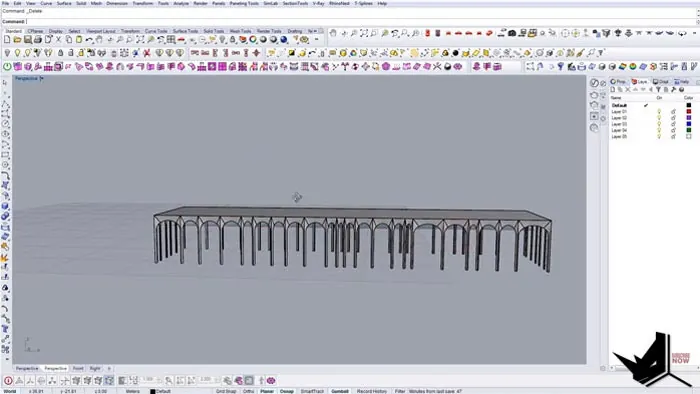
Final Rendered Model
With the techniques covered here, you can model the graceful curves of the iconic Mondadori headquarters in Rhino. Oscar Niemeyer's flowing modernist style is perfectly captured in this building's signature facade.
Tips for Accurate Building Modeling
When digitally modeling real structures in Rhino, follow these tips for accuracy:
- Use proper reference images - elevations and plans if possible
- Draw guide geometry before modeling to set overall sizes
- Model small modular pieces first, then assemble into whole
- Scale edges selectively, not whole objects, to retain proportions
- Connect objects before using commands like Sweep for proper surfaces
- Check proportions as you model larger sections against reference
Recap of Key Steps for Modeling Mondadori HQ
To wrap up, here's an overview of the key steps we went through in this Rhino tutorial for modeling the Mondadori headquarters building:
- Set up reference images and guides
- Make arched module pieces with rectangles, circles, Curve Boolean
- Duplicate modules across the facade carefully
- Connect modules and sweep to create a surface
- Add remaining elements like roof and walls
- Check proportions and scale as you build up the model
- Render the final model with materials and lighting
Why Model Existing Buildings?
Recreating existing architecture digitally is an excellent modeling practice. This allows you to reverse engineer how designers planned and built their structures. It also provides real-world examples to apply modeling techniques. Models can be used for animation walkthroughs and digital exploration.
So modeling existing buildings like the Mondadori HQ helps build your skills for all types of 3D modeling and visualization work.

Rhino for Architects Course
Give your architectural skillset a major boost with the Rhino for Architects Course. Get over 60 hours of focused training tailored specifically for architects. Master commands and techniques to model, render, and animate architectural visualizations at the highest level. Click below for more information and watch your designs come alive!