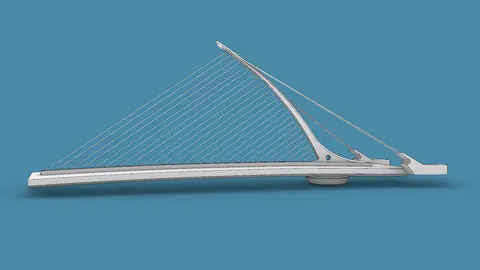
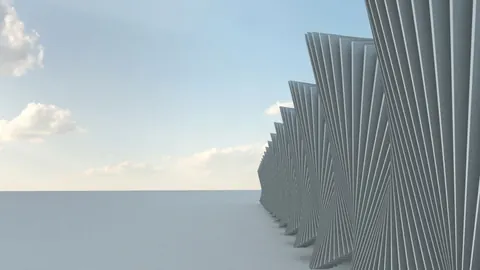
In this tutorial, we will look at how to modeling the Oculus Station building designed by Santiago Calatrava in Rhino.
The Oculus Station is the centerpiece of the rebuilt World Trade Center transportation hub located in New York City. Its dramatic ribbed structure resembles a bird in flight. Modeling this free-form shape requires some clever techniques in Rhino, so let’s dive in.
Modeling Oculus Station: Overview
The basic steps we will follow are:
- Set up an outline of the base
- Create one-half of the rib structure
- Mirror to get the full rib structure
- Add a surface between the ribs
Setting up the Base Outline
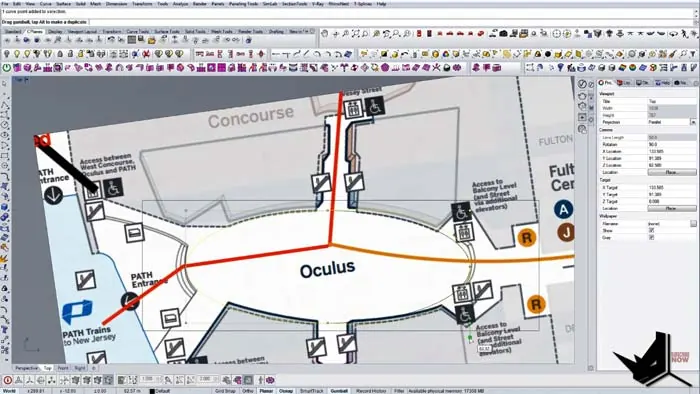
First, we import a reference image to trace the approximate shape of the base. After rotating and scaling, we use Rhino's ellipse tool to create a closed polysurface outline.
We establish the midpoint and check our dimensions. The width needs to be about 96 units.
Modeling One Half of the Ribs
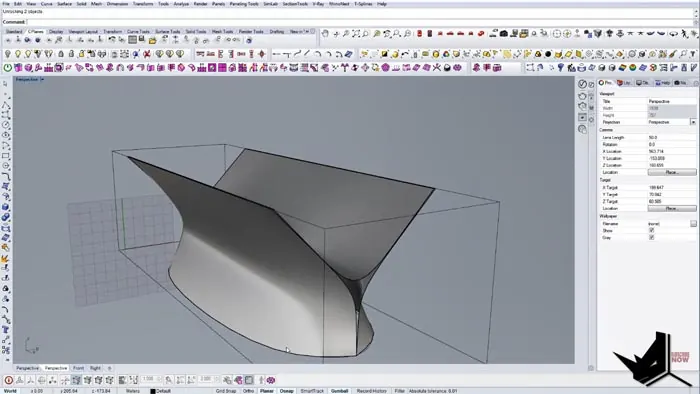
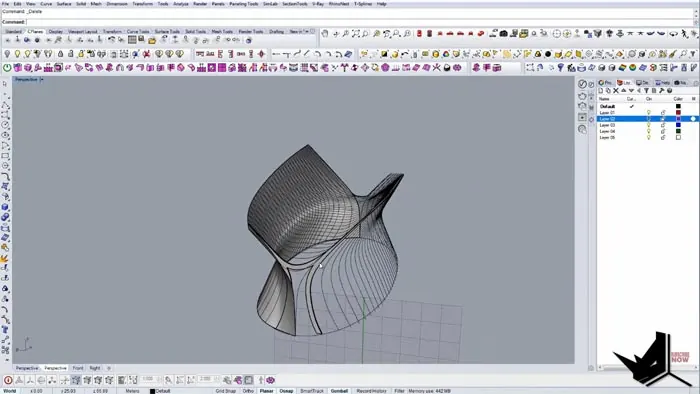
Next in modeling the Oculus Station is to build one half of the elaborate rib structure that extends up and outward. We extract lines from the reference model and create a guiding rail curve.
By extruding and splitting the surface, we get one side of the rib structure. We mirror this to the other side and join them.
Completing the Modeling of Oculus Station Ribs
To complete the ribs, we copy the edge rail curve multiple times. Using Rhino's Intersect command, we generate curves where the rail curves meet the ribs.
After some cleanup, we turn each curve into a closed polysurface to end up with all the ribs on one side. We then mirror these to the other side.
Adding the Surface
Finally, we create a surface that follows along the top of the ribs to complete the Oculus Station model.
Conclusion
As you can see, Rhino provides the tools needed to model complex shapes like the Oculus Station. The key is to break it down into logical steps: build a half section, mirror, and complete the full form.
Let me know in the comments if you have any other questions about modeling architecture in Rhino! And don't forget to subscribe for more tutorials.

Rhino for Architects Course
Give your architectural skillset a major boost with the Rhino for Architects Course. Get over 60 hours of focused training tailored specifically for architects. Master commands and techniques to model, render, and animate architectural visualizations at the highest level. Click below for more information and watch your designs come alive!