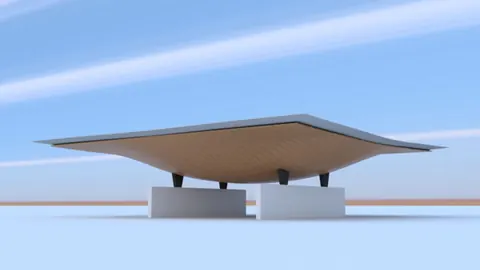
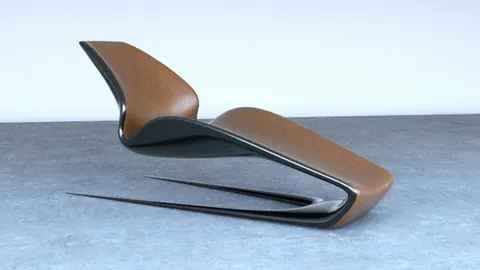
With Rhino plugins like T-Splines, you can quickly model complex organic shapes such as furniture. In this tutorial, we will look at techniques for modeling a parametric bench in Rhino.
Overview of Modeling a Parametric Bench
Modeling a parametric bench requires some initial planning. First, we need to set up the major dimensions - length, width, and height. This establishes the overall size and proportion.
Next, we build the basic form using T-Splines. The flexibility of T-Splines allows us to sculpt smooth, flowing surfaces. We can easily tweak and refine the shape as needed.
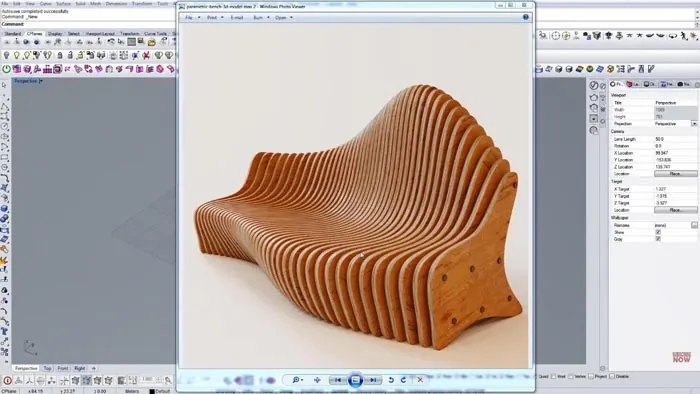
Once the form is finalized, we convert it to a solid parametric model using Rhino's NURBS tools. Boolean operations like subtraction let us cut openings for the seat and backrest.
Finally, we can render the model with materials and environment to visualize the design. The parametric nature means we can easily adjust dimensions and regenerate if needed.
Step-by-Step Process for Modeling the Bench
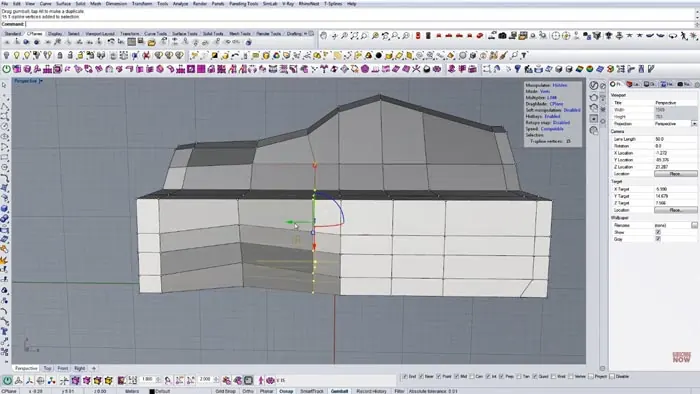
Let's go through the key steps for modeling a parametric bench in Rhino. First, set up a rectangle with the overall length, width, and height. This establishes the basic dimensions. Next, enter T-Splines mode and begin sculpting the form. Compare views to reference images. Refine the shape until you're satisfied.
Use edge splitting and vertex pulling to add details like chamfers and curves. Maintain smooth transitions.
Convert the T-Splines model into a NURBS polysurface for the next steps.
We need to cut an opening for the seat and backrest, and to do this, we will model solid rectangles.
Use Boolean subtraction between the solids and main form to cut the openings.
Refining and Rendering
Refine details like fillets and edge loops. Make sure the model is valid. After adding the final details, render the parametric model with materials and environmental lighting.
Adjust dimensions and regenerate as needed for design iterations.
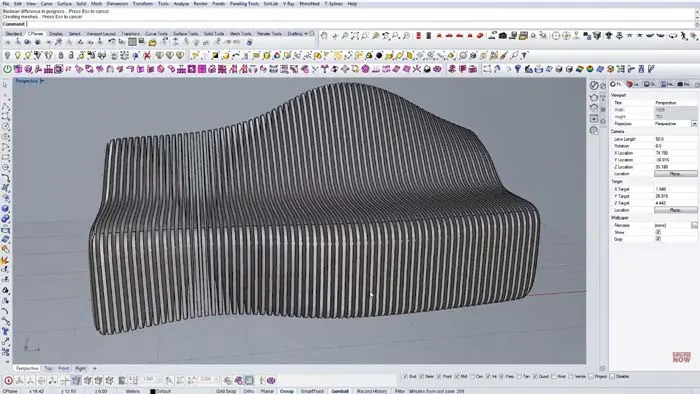
The flexibility of this workflow makes modeling a parametric bench intuitive and fast. T-Splines handle the sculpting while Rhino's NURBS tools make it parametric.
Tips for Efficient Parametric Modeling
Here are some tips to help speed up the process of modeling parametric furniture in Rhino:
- Use reference images for shaping - compare views as you model
- Set up keyboard shortcuts for common commands
- Maintain smooth transitions - avoid sharp edges
- Work iteratively - refine forms and details gradually
- Convert to NURBS before Boolean operations
- Validate the model frequently to catch issues early
- Render parametric model to visualize design
- Adjust dimensions and regenerate for design iterations
Conclusion
Modeling a parametric bench demonstrates the powerful flexibility of Rhino + T-Splines for furniture design. The ability to quickly iterate and refine the form results in a customized bench that meets aesthetic and functional goals.
With some planning and practice, this parametric modeling process can be adapted for creating other furniture like chairs, tables, and more. The seamless workflow enables designers to explore options and deliver high-quality parametric models for fabrication.

Rhino for Architects Course
Give your architectural skillset a major boost with the Rhino for Architects Course. Get over 60 hours of focused training tailored specifically for architects. Master commands and techniques to model, render, and animate architectural visualizations at the highest level. Click below for more information and watch your designs come alive!