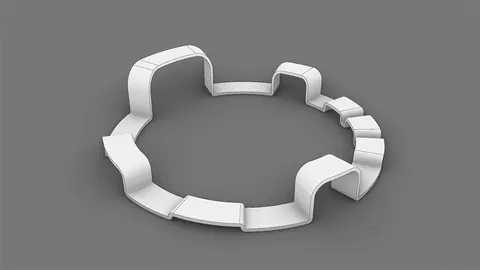
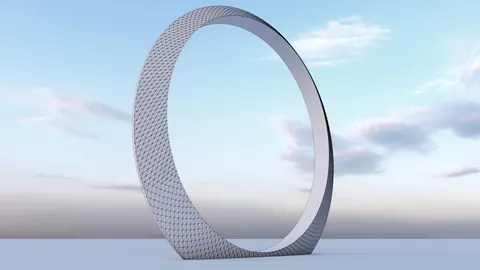
Modeling complex architectural structures like a planetarium in Rhino can seem daunting at first. But with some simple techniques, you can break down the process into manageable steps. In this tutorial, we will walk through modeling a conceptual Mexican Space Agency Planetarium designed by Slot Studio.
Modeling the Planetarium: Overview
The key to efficiently modeling a planetarium in Rhino is to first establish the overall form and structure. We will do this by:
- Importing a section image for reference
- Drawing guideline curves and surfaces
- Creating the dome shell
- Adding panel details
With the overall form blocked out, we can then focus on adding finer details like the entrance mullions.
Setting Up the Reference Geometry
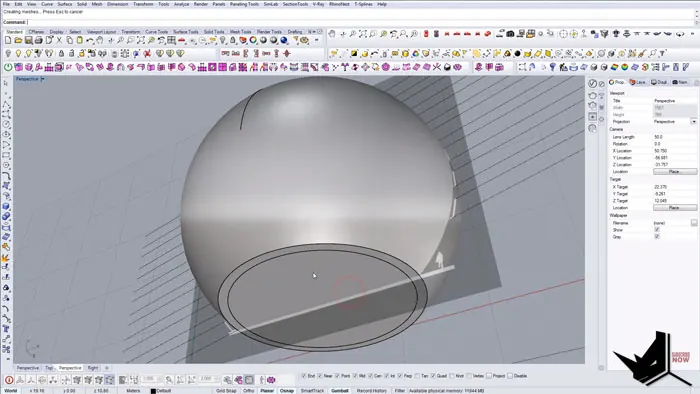
We start by importing a section image from Slot Studio for reference. To find the center point, we draw a line across the section and place a sphere.
By adjusting the transparency of the image, we can align the sphere to the visible geometry. Then we draw guideline curves for the ground plane and main axi
Creating the Dome Shell
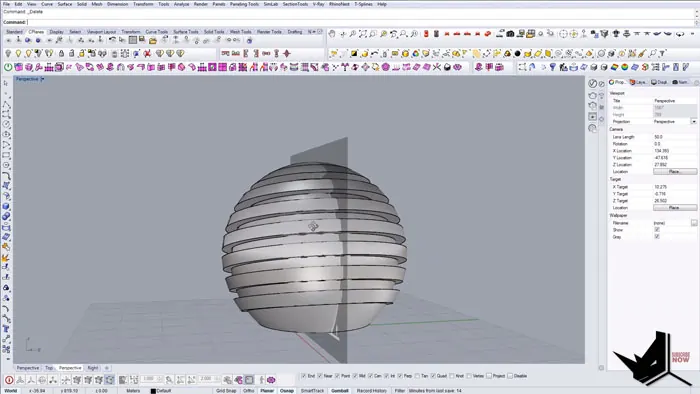
With our reference geometry in place, we can create the overall dome shell:
- Importing a section image for reference
- Drawing guideline curves and surfaces
- Creating the dome shell
- Adding panel details
This gives us the basic dome shell segmented into panels.
Adding the Panel Details
The final step to modeling the Planetarium is to add details to the panels. We will isolate the bottom section and then extract the edges and split along them to separate a panel. Next, divide the edges into even segments and use Interpolate Curve on Surface to create mullions. Offset the mullions to create thickness and split the surface with the mullion curves
Once we have detailed one panel, we can copy it around to all the other panels.
Final Rendered Result
With the techniques covered here, you can model complex architectural structures like a planetarium in Rhino. The final rendered result shows the dome shell complete with entrance mullions.
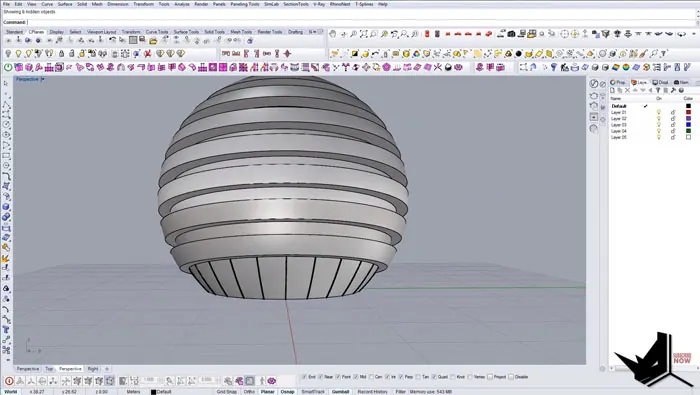
The key is to first block out the overall form using simple geometry. Then you can systematically add details by leveraging commands like Interpolate Curve and Boolean Split. For even more realism, you can drape a material over the model.
Hopefully this gives you a good starting point for modeling your own conceptual structures in Rhino. Try it out!

Rhino for Architects Course
Give your architectural skillset a major boost with the Rhino for Architects Course. Get over 60 hours of focused training tailored specifically for architects. Master commands and techniques to model, render, and animate architectural visualizations at the highest level. Click below for more information and watch your designs come alive!