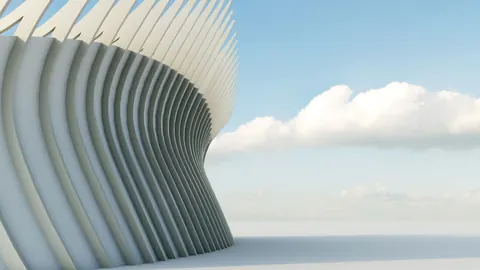
Modeling Reggio Emilia Station in Rhino is a step-by-step tutorial that will guide you through the process of recreating its iconic swooping white canopy. Designed by renowned architect Santiago Calatrava, Reggio Emilia Station serves as an iconic landmark in the city of Reggio Emilia, Italy.
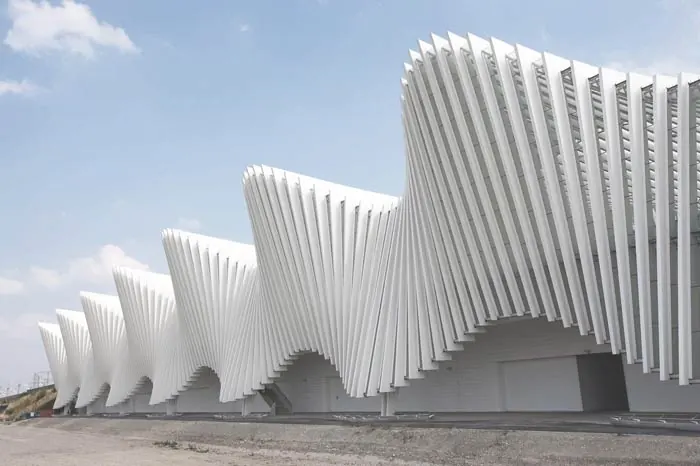
Overview of Modeling Reggio Emilia Station
Modeling Reggio Emilia Station may seem daunting at first, but it can actually be done quite easily in Rhino with some simple techniques. Here is an overview of the process:
- Start by creating a road or train track to build the station around.
- Model one module or segment of the canopy using a T-spline. This will be the repeating unit.
- Divide the module into multiple sections and extrude lines for the frame.
- Mirror and copy the module to create the full canopy.
- Connect the canopy sections with beams.
- Copy the entire canopy 19 times to complete the station.
The key is to break it down into simple steps and leverage Rhino's powerful tools like mirroring and copying. With some clever reuse of components, you can model the station efficiently.
Step-by-Step Modeling Instructions
Follow along below for detailed steps to model Reggio Emilia Station in Rhino:
1. Create Base Geometry
First, create some lines to represent the roads or train tracks around the station. This gives a base to build upon.
2. Model the Canopy Module
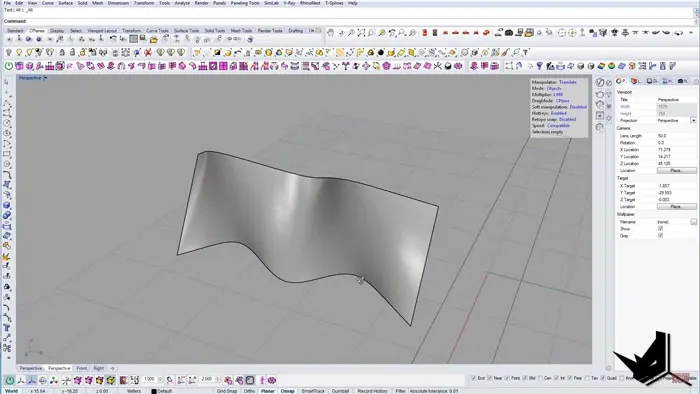
Next, model one repeating section of the canopy using a T-spline surface. Manipulate it into an arch shape by scaling the edges.
3. Divide and Extrude the Module
Divide the module into 13 segments using Rhino's Divide command. Then extrude lines to create the frame with a thickness of 0.05 units on each side.
4. Mirror and Trim
Mirror the module to the other side and trim away excess surfaces. This completes the segment.
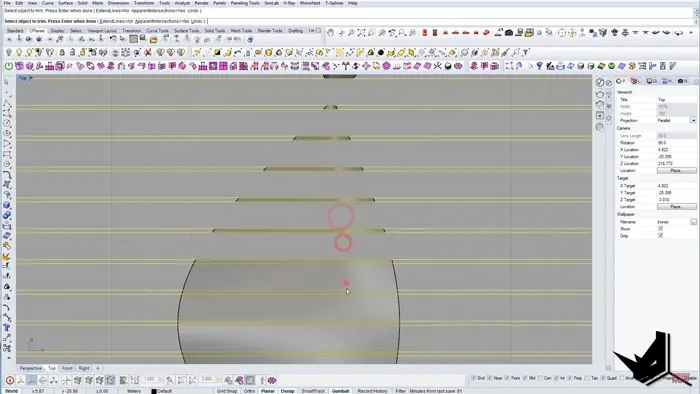
5. Copy and Connect Segments
Copy the module 13 times to create the full length. Then connect each segment with beams, offset from the surfaces.
6. Mirror and Copy Canopy
Mirror the entire canopy to the other side. Delete extra surfaces and curves. Then copy the canopy 19 times to complete the station.
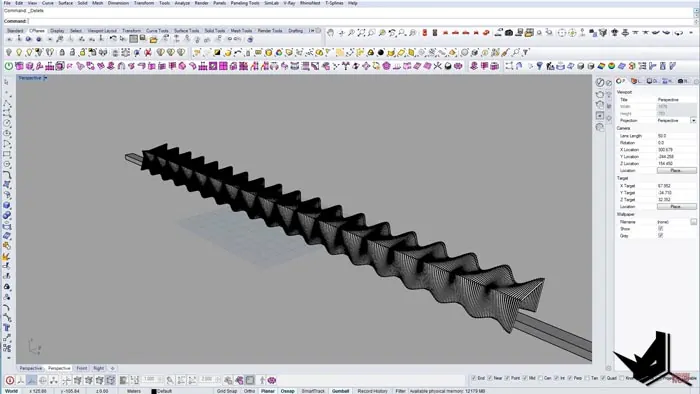
And that's it! With just a few simple steps, you can model the sweeping Reggio Emilia Station in Rhino. The key is breaking it down into manageable components and reusing parts.
Tips for Smooth Modeling
Here are some tips to help your modeling process go smoothly:
- Use reference images for accuracy. Calatrava's designs have precise shapes.
- Group components to easily copy and manipulate sections.
- The Divide command is great for evenly splitting surfaces.
- Work systematically and reuse parts whenever possible.
- Render periodically to check your progress.
Why Model Reggio Emilia Station?
Modeling real-world buildings like Reggio Emilia Station is a great practice for architecture students and 3D modelers. This will allow you to learn how to recreate Calatrava's unique style and understand efficient modeling workflows in Rhino. You’ll gain experience with precise surfaces and organic shapes and improve your architectural visualization skills.
And lastly, it will expand your portfolio with a recognizable landmark!
So challenge yourself and try modeling Reggio Emilia Station in Rhino today!

Rhino for Architects Course
Give your architectural skillset a major boost with the Rhino for Architects Course. Get over 60 hours of focused training tailored specifically for architects. Master commands and techniques to model, render, and animate architectural visualizations at the highest level. Click below for more information and watch your designs come alive!