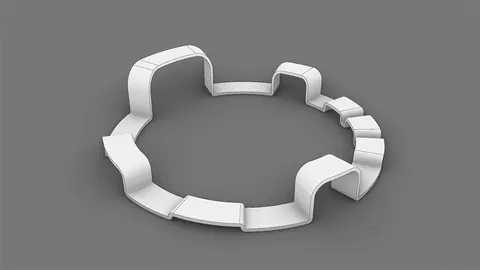
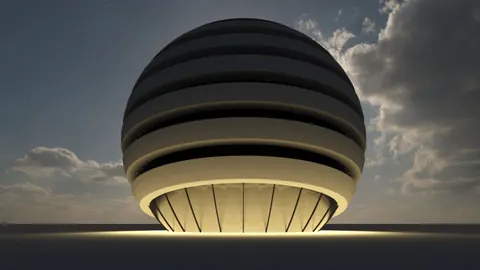
The Ring of Life is a fascinating landmark located in China. While it may seem like a decorative structure without much purpose, it has become a popular tourist attraction. Following some simple steps outlined in this post, we’re going to be modeling the Ring of Life in Rhino. Let’s dive in!
Overview of Modeling the Ring of Life
Modeling the Ring of Life in Rhino requires some basic commands like extruding, mirroring, and sweeping. We will also use the paneling tool in Grasshopper to create the unique facade on the structure. With the right techniques, you can model this landmark in no time.
Step-by-Step Process
Follow along as we go through the step-by-step process for modeling the Ring of Life in Rhino:
1. Model the Basic Structure
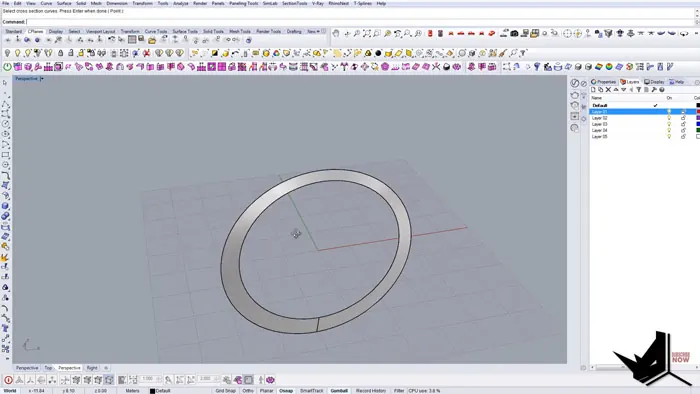
First, create a circle and duplicate it. Move the second circle down slightly to create an oval shape. Extrude both circles to give them some thickness.
2. Add the Facade Details
Use the Sweep command to create the curved facade on the main structure. Make sure to select the correct chain edges and section curves.
3. Create Paneling with Grasshopper
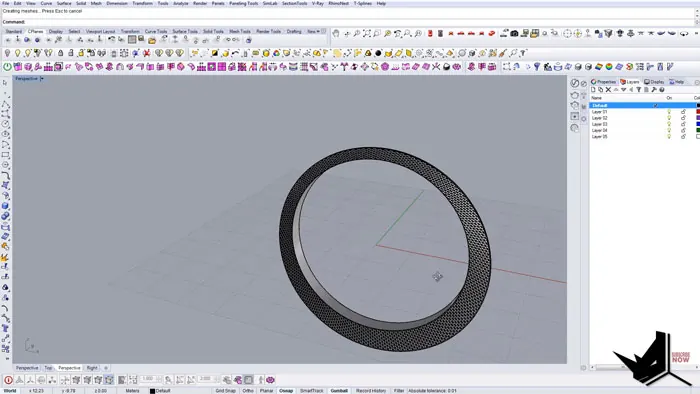
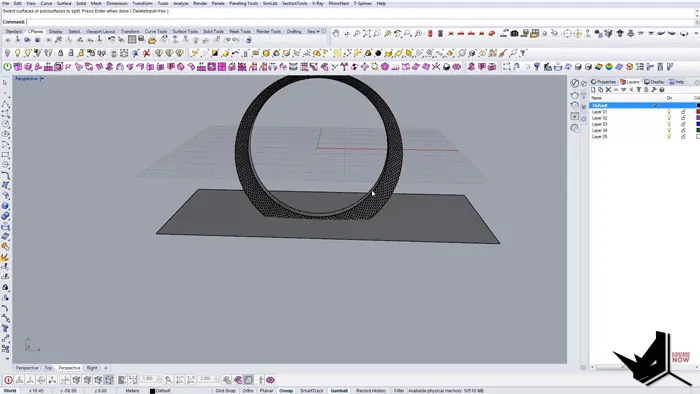
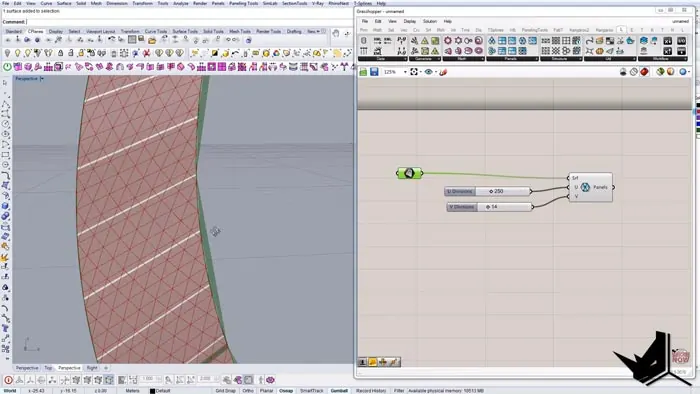
Open Grasshopper and use the Triangle Panels B component to create the unique paneling effect. Adjust the density as needed.
4. Cut the Structure
Use the Boolean Split command to cut the structure in half at the appropriate point. Delete the unnecessary geometry.
5. Mirror the Structure
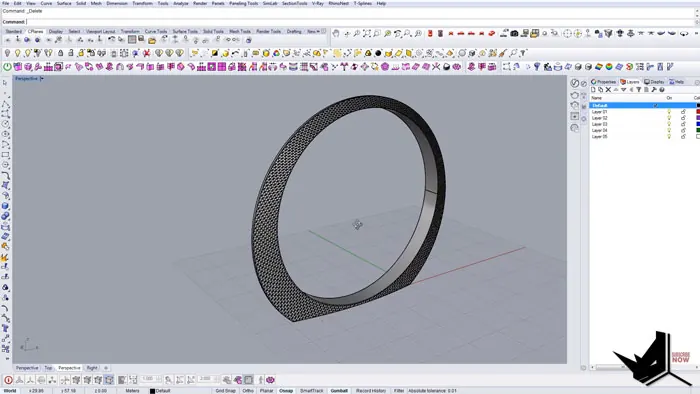
Mirror the half structure to create the full Ring of Life form. Use Loft to connect the pieces.
6. Add Materials
Apply a Tone Material to make the edges stand out. Customize the material as desired.
Tips for Realistic Modeling the Ring of Life
Here are some tips to take your Ring of Life model to the next level:
- Use reference images for accuracy
- Add some landscaping around the structure
- Try different materials and lighting for realism
- Model the interior if desired
- Render the model to showcase your work
Why Ring of Life?
Modeling famous structures is a great way to improve your skills in Rhino. The Ring of Life has interesting geometry that lets you practice complex commands and recreating landmarks also helps train your eye for architectural detailing.
Whether you're an aspiring architect, 3D artist, or hobbyist, modeling the Ring of Life is a fun challenge. The end result is a visually impressive model you'll be proud to render and share.
Model More Famous Buildings with Rhino
The Ring of Life is just one of many iconic buildings that can be modeled with Rhino. Some other examples include:
- Eiffel Tower
- Taj Mahal
- Guggenheim Museum
- Burj Khalifa
- Sydney Opera House
Rhino's extensive modeling capabilities make it possible to recreate almost any famous landmark. The only limit is your imagination!
So next time you need a modeling project, look to unique architectural icons like the Ring of Life. Just follow the steps outlined above and you'll be on your way to making your own virtual landmarks.

Rhino for Architects Course
Give your architectural skillset a major boost with the Rhino for Architects Course. Get over 60 hours of focused training tailored specifically for architects. Master commands and techniques to model, render, and animate architectural visualizations at the highest level. Click below for more information and watch your designs come alive!