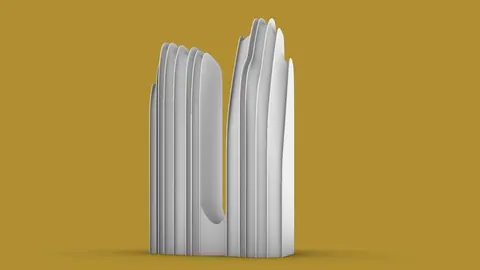
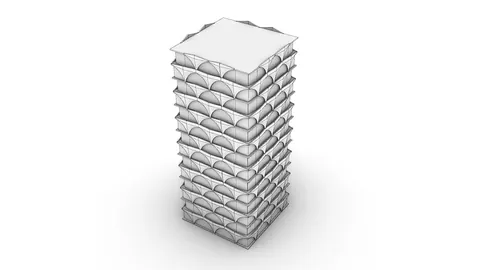
The world of architectural modeling has advanced significantly with the use of high-powered software like Rhino. In this tutorial, we venture deep into the intricacies of Modeling Shanghai World Financial Center, one of the architectural marvels of the world. Designed by the esteemed Kohn Pedersen Fox Architects, this skyscraper stands tall as a testament to modern engineering and architectural prowess.
As we dive into this project, our main focus is to intricately develop a 3D model of the Shanghai World Financial Center, emphasizing the creation of the iconic curve on its side and incorporating detailed elements such as windows and other unique features found at the top of the structure.
Step 1: Getting Started with Your Blueprint
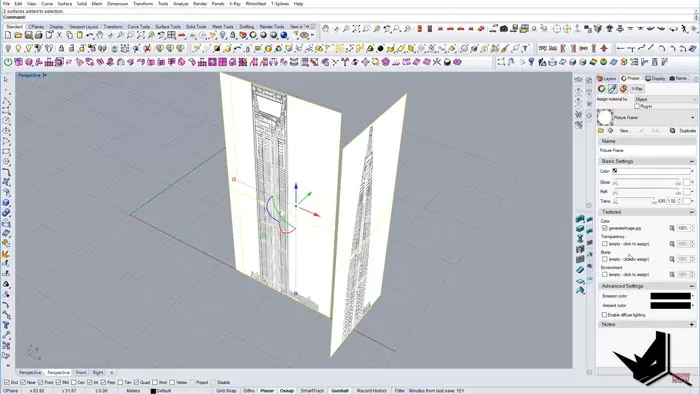
Start the modeling by importing an image of the Shanghai World Financial Center into the top view of the Rhino Architecture platform. Strategically divide the image into two equal parts, establishing a base height for reference.
Step 2: Setting the Foundations
Once divided, it’s time to set up your work plane. Raise the images to an angle of 90 degrees and position them at the center of your working environment. This setup ensures that you build a symmetrical model by working on one half first before replicating it on the other half.
Step 3: Tracing the Exterior
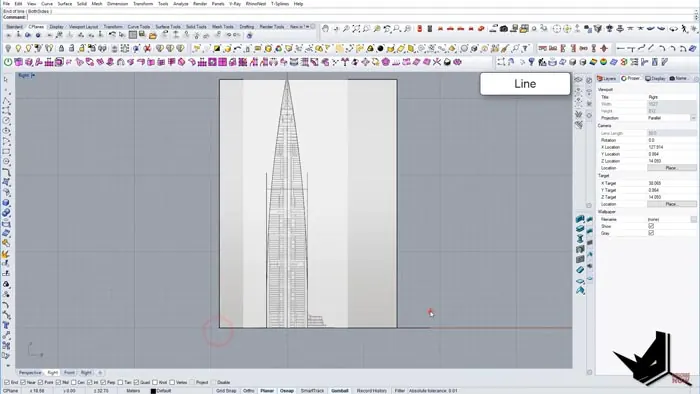
Turn your attention to the side views and start the tracing process. Draw rectangles and mirror them, creating symmetrical shapes that later form the base for extrusion. Make sure to get the curvature of the building right by carefully tracing the outlines based on the imported image.
Step 4: Developing the Base Plan and Extrusion
Create a base plan using a rectangle, and after rotating it by 45 degrees, align it with the edges of the previously drawn outlines. Extrude this base upwards and employ Boolean Split to carve out the basic 3D model of the Shanghai World Financial Center.
Step 5: Fine-Tuning the Details
The magic lies in the details. Here, we delve deeper into enhancing the model by bringing in details like window extrusions and other unique elements of the building's façade. Utilize tools like Duplicate Border and Offset Curve on Surface to work on the finer aspects, enhancing the 3D model’s realism.
Step 6: Final Adjustments and Rendering
As we near the completion of modeling Shanghai World Financial Center project, it is imperative to give it the finishing touches. This includes creating curves for the floors and setting the model ready for the final rendering.
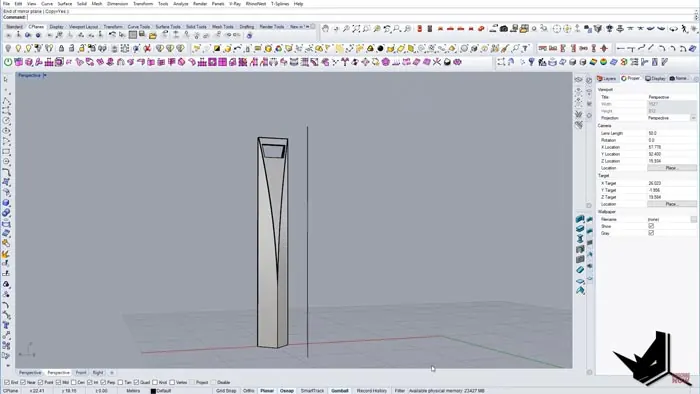
With these detailed steps, what you have before you is a near-perfect 3D representation of the Shanghai World Financial Center. The final rendering brings to life a model that speaks volumes about this awesome part of Shanghai’s skyline.
Conclusion
There we have it – a step-by-step guide to modeling the Shanghai World Financial Center using Rhino. It’s a journey where you start with a simple image and, through a detailed process, arrive at a 3D model that embodies the building realistically.
We hope this tutorial inspires you to explore the limitless potential that architectural modeling with Rhino offers. For those eager to see more, don’t forget to visit our YouTube channel to stay updated with our series of tutorials.
Feel free to share this tutorial with people passionate about architecture and 3D modeling.

Rhino for Architects Course
Give your architectural skillset a major boost with the Rhino for Architects Course. Get over 60 hours of focused training tailored specifically for architects. Master commands and techniques to model, render, and animate architectural visualizations at the highest level. Click below for more information and watch your designs come alive!