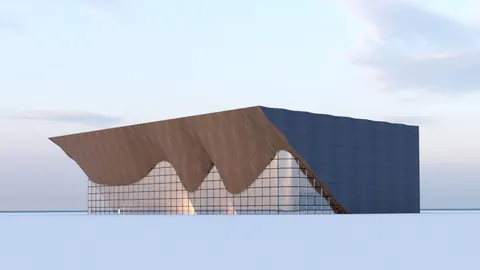
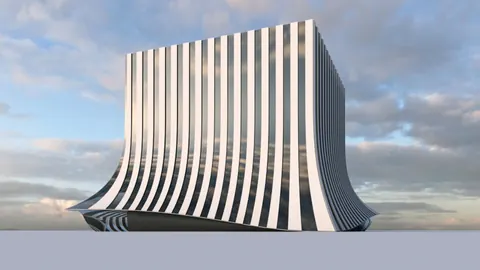
The Szczecin Philharmonic Hall in Poland is an architectural marvel designed by Barozzi Veiga Architects. Its unique facade featuring inclined walls and angled windows makes it an interesting case study for 3D modeling. In this post, we will look at the process of modeling Szczecin Philharmonic Hall in Rhino step-by-step.
Overview
The Szczecin Philharmonic Hall features a distinctive facade with slanted walls and angled window openings. Modeling such a complex geometric form requires strategic planning and clever use of Rhino's tools.
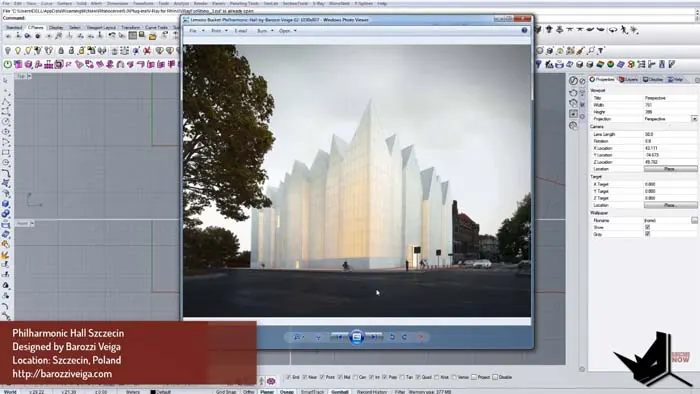
We will use the South and West facade drawings to recreate the 3D geometry. After importing the 2D drawings, we will draw guide curves on top of them and use those to create the main surfaces through extrusion. The trick is to intelligently connect the different facade elements to each other to build the overall volume.
Once we have the basic form, we will add details like the window openings, vertical split lines on the surface, and the metal cladding strips. The final rendered model will closely resemble the actual Szczecin Philharmonic Hall.
Modeling Szczecin Philharmonic Hall: Setup
First, we import the South and West facade drawings into Rhino. To keep things clean, we trim away any extra parts of the drawings. After importing both views, we scale and align them so they are in the same size and orientation.
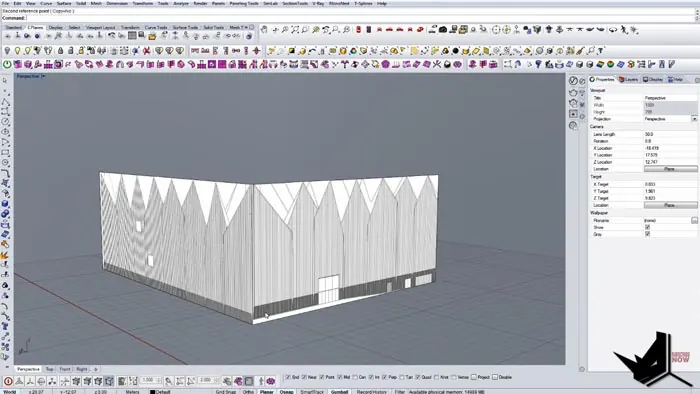
Draw Guide Curves
Now we lock the drawings and make them transparent. On top of the lines visible in the drawings, we draw guide curves that will form the basis of our 3D geometry. The curves should accurately trace the profiles visible in both facade views.
Extrude Surfaces Between Curves
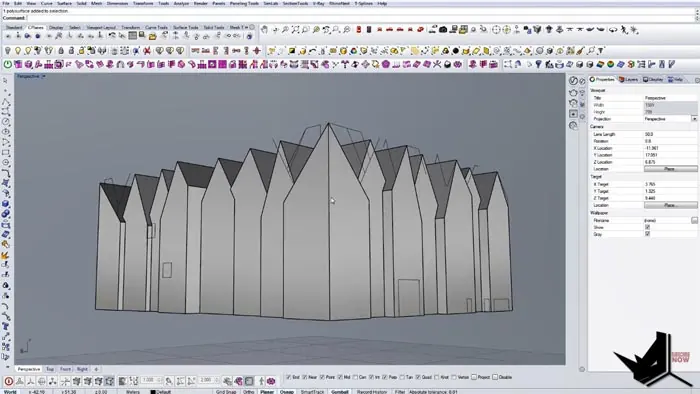
Next, we extrude surfaces between the guide curves to create the main surfaces for the South and West facades. Some surfaces will extrude inwards while others will extrude outwards to create the desired slanted forms.
Connect the Surface Pieces
We use Boolean operations to connect and intersect the different surface pieces and build the overall volume. Where needed, we manually adjust the surfaces to close any gaps and refine the geometry.
Add Window Openings
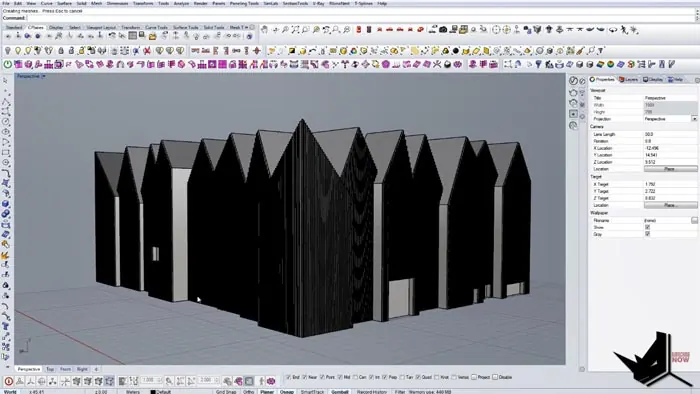
To create window openings, we simply inset some of the surfaces and subtract them from the main surface using Boolean difference. We repeat this process for all the window openings.
Add Surface Details
For adding the vertical split lines, we use the Contour command to automatically generate curves based on surface points. We extrude these split lines to create the strips on the facade.
Create the Final Render
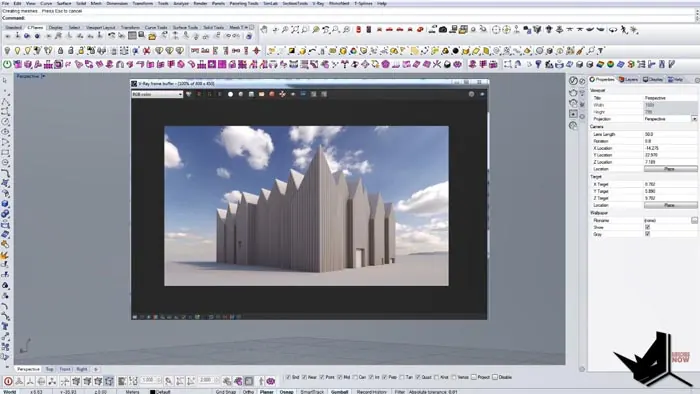
For the final render, we apply materials, add some entourage like trees and people, and produce a photorealistic rendered image. The final model accurately represents the original Szczecin Philharmonic Hall.
Key Takeaways from Modeling Szczecin Philharmonic Hall
Modeling complex buildings in Rhino takes strategic planning. By breaking down the process into logical steps, we can systematically construct even tricky geometries.
The key things to keep in mind are:
- Carefully analyze the reference drawings and photos before modeling
- Use guide curves on top of imported 2D drawings
- Build up the main surfaces using extrusions and Booleans
- Refine and tweak the geometry to match the real design
- Add details like openings, textures, and split lines
- Produce a realistic final render to showcase the 3D model
Using this structured process, you can tackle challenging architectural tasks like modeling Szczecin Philharmonic Hall in Rhino. The end result is a highly accurate virtual 3D model of the real architectural project.

Rhino for Architects Course
Give your architectural skillset a major boost with the Rhino for Architects Course. Get over 60 hours of focused training tailored specifically for architects. Master commands and techniques to model, render, and animate architectural visualizations at the highest level. Click below for more information and watch your designs come alive!