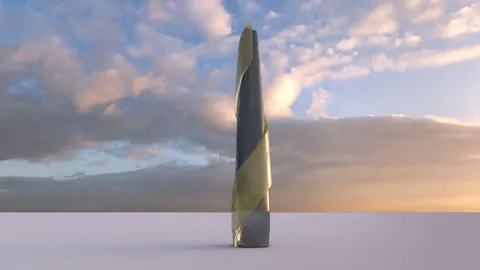
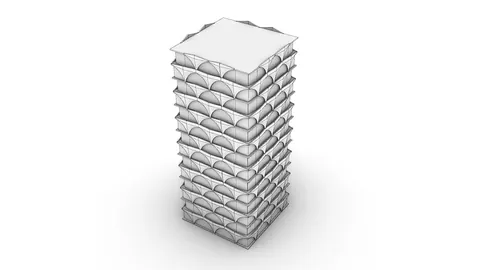
In this step-by-step Modeling TaiPei 101 tutorial, we will use Rhino to model this iconic structure. Following along is a great exercise for architecture students or professionals looking to improve their parametric modeling skills.
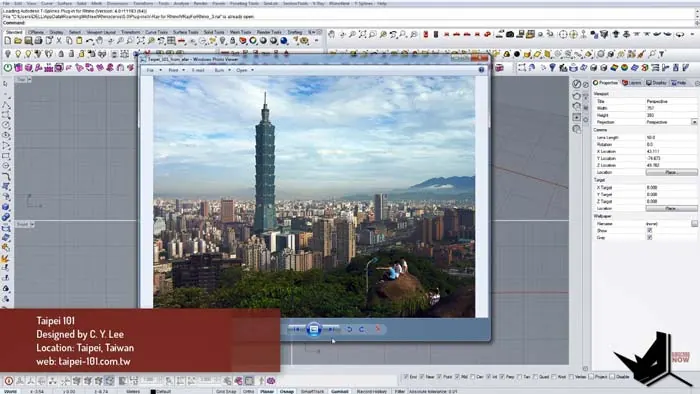
Taipei 101 is one of the most recognizable skyscrapers in the world. Located in the capital of Taiwan, this 101-story tower was the tallest building in the world from 2004 until the Burj Khalifa surpassed it in 2009. Designed by renowned architect C.Y. Lee & Partners, Taipei 101 is famous for its unique silhouette featuring eight segments of eight floors each. The building's façade pattern creates the look of a growing bamboo stalk, paying homage to Chinese culture.
Modeling Taipei 101: Setting the Base
We start Modeling Taipei 101 by importing a reference image to guide the proportions as we model. After making the image transparent, we can begin drawing guidelines to lay out the height and outline the bottom tier and main tower shaft. It's important to note that Taipei 101's height is divided evenly into eight sections, which will inform the further segmentation.
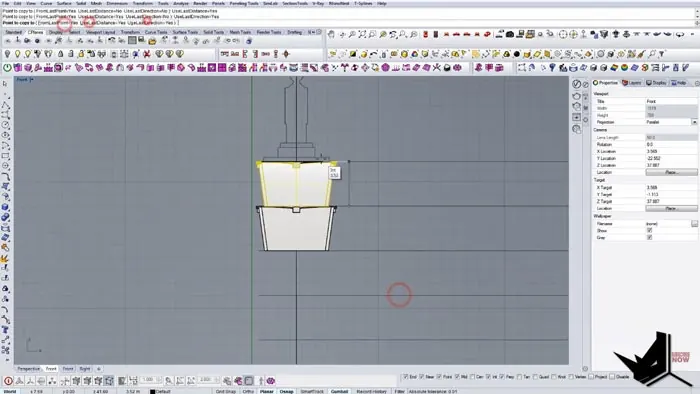
Next, we create a simple box for one module of the exterior façade pattern. This will become a block that can quickly repeat around the circumference. Pay close attention to the angle and orientation when extruding the box faces to match the image. We also model the recessed horizontal bands and other small details on the module.
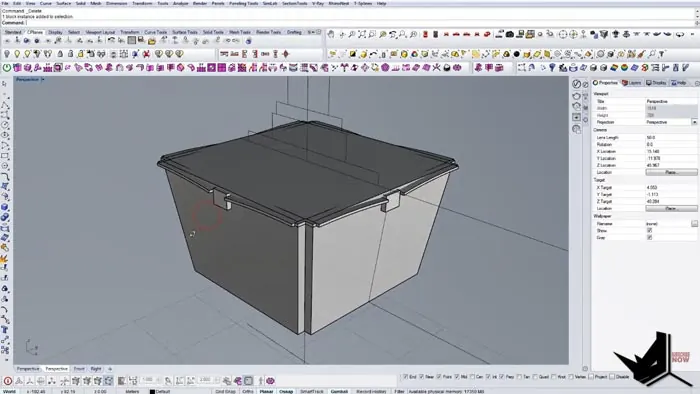
Duplicate the Modules Around the Core
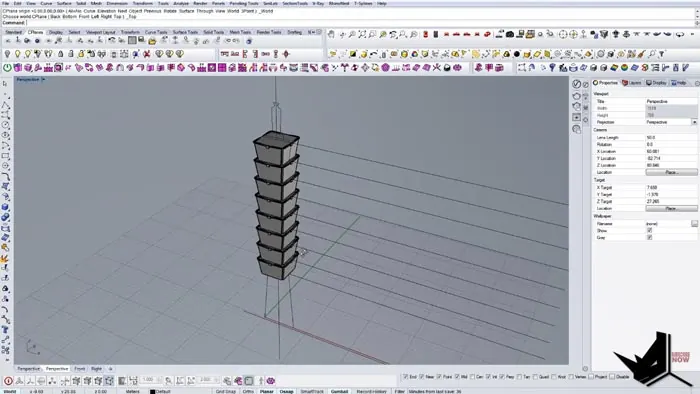
Now we can make a block of the module and copy it around a vertical axis line, which represents the central core of Taipei 101. This efficiently creates the entire middle tier of the tower, including the famous segmented façade. We just need to delete the placeholders at the base and top before properly orienting the model.
Add Trusses and Mass Damper
On the uppermost tier of Taipei 101 is the enormous mass damper that helps stabilize the skyscraper against winds and earthquakes. Constructing this distinctive tuned mass damper follows a similar process of extruding shapes and reorienting them into position.
We also model the huge X-shaped exterior braces that support the mass damper section, giving Taipei 101 its unique silhouette. Applying these details really brings the architectural forms of the building together.
Render the Final Model
To complete the tutorial, we assign materials and render the Rhino model of Taipei 101. The final result accurately recreates the skyscraper’s tapering profile, exterior patterning, and distinguishing features like the huge mass damper. Following this step-by-step guide provides great practice for efficiently Modeling TaiPei 101 in Rhino.
Conclusion
The full tutorial covers key techniques like:
- Importing reference images
- Building up forms with extrusions
- Creating reusable module blocks
- Mirroring and orienting geometry
- Adding structural elements like braces
- Applying materials and rendering
By the end, you'll have a detailed and accurate 3D model of one of the most iconic buildings in the world. Modeling recognizable real-world structures is a great way to improve your parametric modeling skills in Rhino. Be sure to experiment on your own by trying to recreate other famous architecture after following this guide.

Rhino for Architects Course
Give your architectural skillset a major boost with the Rhino for Architects Course. Get over 60 hours of focused training tailored specifically for architects. Master commands and techniques to model, render, and animate architectural visualizations at the highest level. Click below for more information and watch your designs come alive!