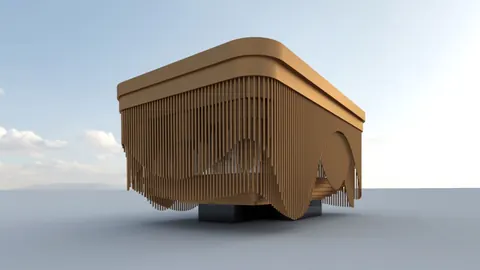
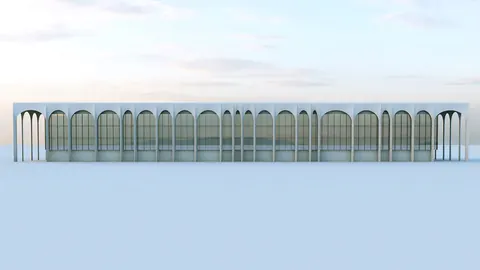
Rhino is a powerful NURBS modeling tool used by architects and designers worldwide. In this comprehensive tutorial, we will walk through modeling the Termeh Commercial project in Rhino step-by-step.
Overview
The focus of this tutorial is creating the unique stepped facade seen in Termeh Commercial. We will use advanced techniques like Sweep, Blend curve, and surface splitting to model the elegantly curved transitions between steps.
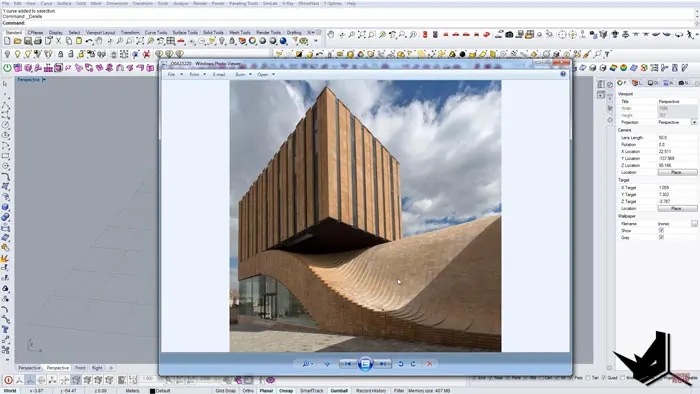
Setting Up the Base Geometry
First, we need a base surface to build upon. Draw a simple rectangle and extrude edges on all sides. This will give us a clean geometry when creases are removed.
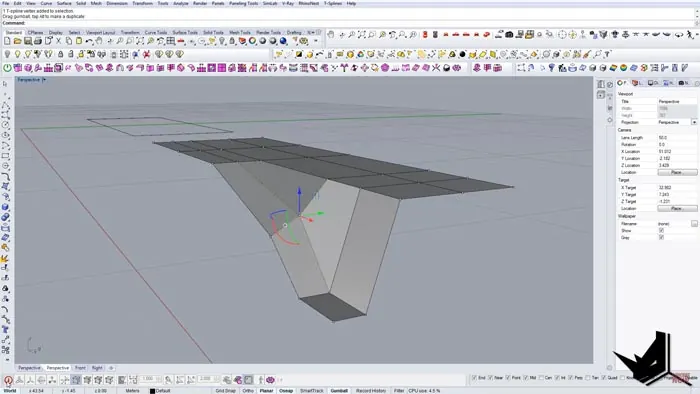
Add additional edges to give more modeling control. Move vertices on two adjacent sides inward to create the stepped effect. Use SetPoints to snap vertices to the same level.
Convert lines to curves and add reference lines using intersections. Copy lines across to mark steps. Draw a curve along the top edges to maintain straight edges.
Creating the Stepped Transition Effect
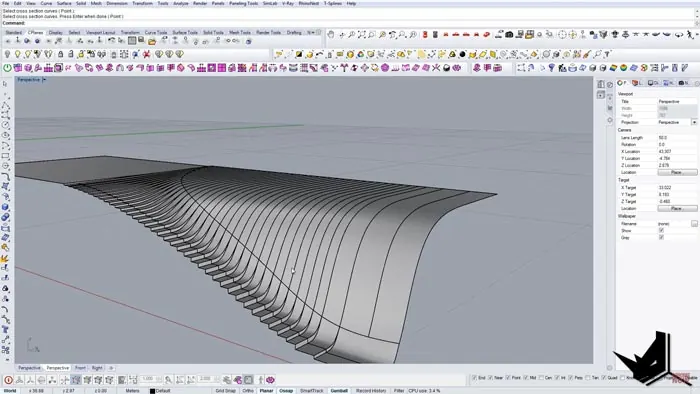
Here is where the magic happens! We will use the Blend Curve command to create smooth transitions between steps. Sweep2 then lofts surfaces between curve pairs.
Repeat this process for each step:
- Blend Curve between side edge and back edge
- Sweep2 using side chains and Blend Curve as cross-sections
Once all surfaces are created, join them together and extrude down to form the main facade shape.
Adding Final Details
Finish by cutting the bottom, adding some simple details on the facade and inserting glass panels. The completed Termeh Commercial model is now ready to render!
Recap and Tips
The key Rhino commands used in this tutorial are:
- Sweep2 - Lofts surfaces between curves
- Blend Curve - Creates smooth transitional curves
- Split - Divides surfaces along curve edges
Some tips for recreating this model:
- Use reference curves and intersection lines to lay out steps
- Make sure edge curves are aligned before lofting
- Join all surfaces together before the final extrusion
We hope this breakdown gives you the tools to start modeling complex geometries like the Termeh Commercial stairs in Rhino.

Rhino for Architects Course
Give your architectural skillset a major boost with the Rhino for Architects Course. Get over 60 hours of focused training tailored specifically for architects. Master commands and techniques to model, render, and animate architectural visualizations at the highest level. Click below for more information and watch your designs come alive!