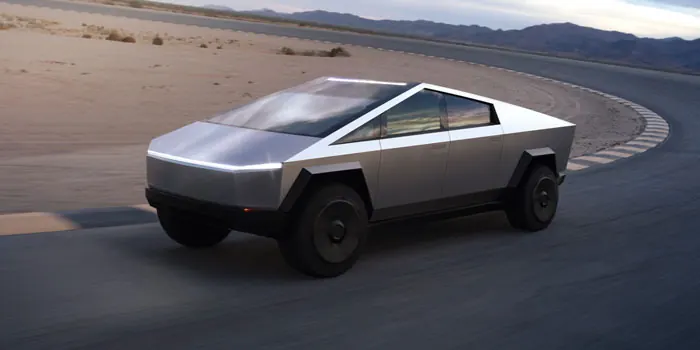
The innovative design of the Tesla Cybertruck has piqued the interest of many design enthusiasts. Although primarily aimed at architects, the Rhino 3D software is versatile enough to model such a vehicle. In this guide, we'll walk you through the process of modeling the Tesla Cybertruck in Rhino, breaking it down into comprehensible steps.
Starting with the Basics
Before diving into the modeling, familiarize yourself with the Tesla Cybertruck's design. This will give you a clear picture and set the tone for the whole modeling process.
Setting the Groundwork
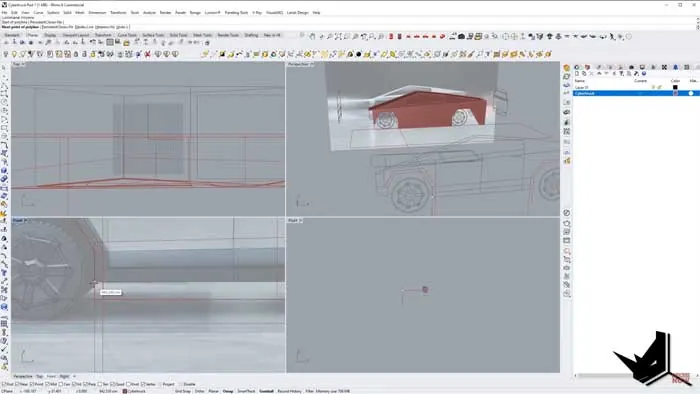
Modeling the Tesla Cybertruck starts with having the right drawings and references. In our process, we had the base plan and side views ready. Beginning from the top, we initiated the model by drawing a roof line. Given that the Cybertruck has a symmetrical design, we modeled only one half, mirroring it later to achieve a full representation.
Lines & Curves
After setting the basic structure, we extended the lines, especially for the front part. Transitioning to the side view, it's essential to meticulously follow the vehicle's lines, layering the structure piece by piece. After modeling half of the truck, use the mirror function. This ensures symmetry in the model.
Detailed Elements
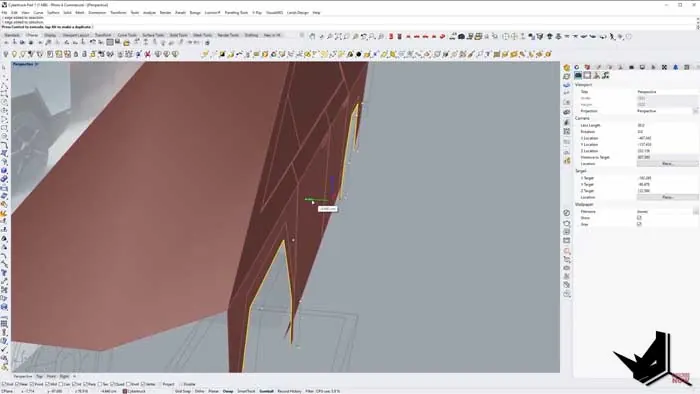
Start by outlining the windows, cutting them out, and giving them depth. Don't forget to model the door handles, as they add realism to your truck. Next up, for the vehicle bottom, create a significant surface that will be foundational for the front and back parts. Based on this, further trims and cuts were made, especially around the wheel region.
Front & Back Features
For the front bumper area, add extrusions to ensure the front lights have the necessary depth for a realistic look. Carefully measure and adjust the front lights according to the design drawings to achieve an accurate representation. Similar to the front lights but with unique indents and cuts for an authentic appearance.
Wheels – The Intricate Detail
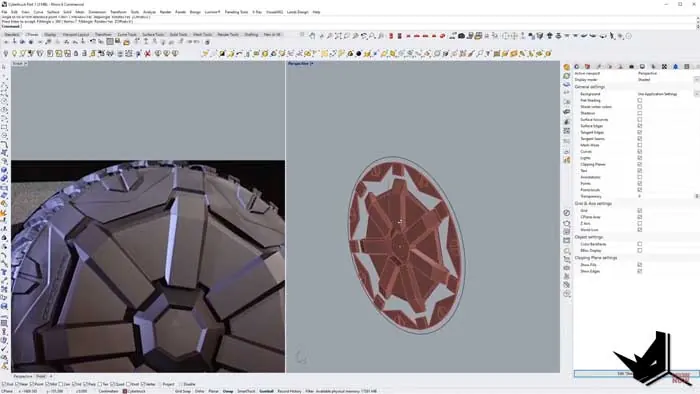
The wheels of the Cybertruck are quite intricate. Start by creating a profile for the wheel. Use the 'Revolve' command to give your wheel profile a 3D appearance. Here's where it gets tricky. The tire detailing involves a lot of scaling, extruding, and using commands like 'Sweep Two' and 'Planar Surface'. Ensure all surfaces are joined for a smooth look.
Modeling Tesla Cybertruck - Finishing Touches
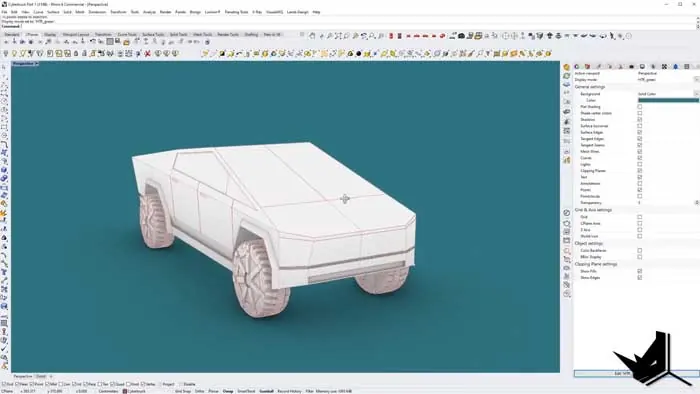
Once all parts are modeled, position them accurately. Remember, no model is perfect on the first try. Analyze your work, correct any mistakes, and make necessary adjustments. After all corrections, mirror the entire model to complete the truck.
Conclusion
Modeling the Tesla Cybertruck in Rhino may seem daunting, but with a systematic approach, it's very achievable. While our guide aimed to help you model the truck in under 10 minutes, it's essential to remember that the actual process, especially if you're aiming for high precision, can take hours. Your patience and dedication will be rewarded with a stunning 3D representation of one of the most innovative vehicle designs of our time. Dive into the world of 3D modeling and let your creative juices flow!
Note: For those keen on watching the entire modeling process, feel free to check out our detailed tutorial on our Patreon page. Feedback is always appreciated, so leave a comment and let us know if you found this guide helpful!

Rhino for Architects Course
Give your architectural skillset a major boost with the Rhino for Architects Course. Get over 60 hours of focused training tailored specifically for architects. Master commands and techniques to model, render, and animate architectural visualizations at the highest level. Click below for more information and watch your designs come alive!