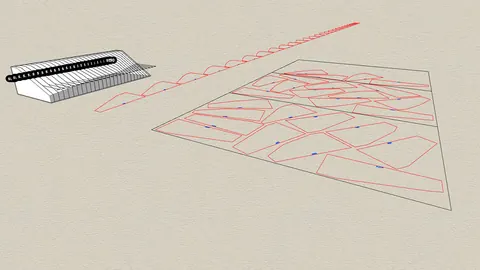
Rhino is one of the most popular 3D modeling tools used by architects and designers. With its powerful modeling capabilities, Rhino allows users to quickly create complex 3D geometry. However, creating realistic materials can be challenging in Rhino. This is where Substance Materials in Rhino3D comes in.
What is Substance?
Substance is a material authoring tool developed by Adobe that is widely used in the gaming and film industries. Substance allows users to create customizable PBR (physically based rendering) materials with full control over textures and material properties.
The key advantage of Substance materials is that they are procedural. This means you can create variations of a material simply by tweaking a few parameters rather than having to author textures from scratch.
Substance Materials in Rhino3D
Rhino users can now harness the power of Substance materials right within Rhino thanks to the Substance plugin. After installing the plugin, you can import Substance materials into Rhino and apply them to objects with one click. The materials will be fully compatible with Rhino's rendering engines like V-Ray and Maxwell Render.
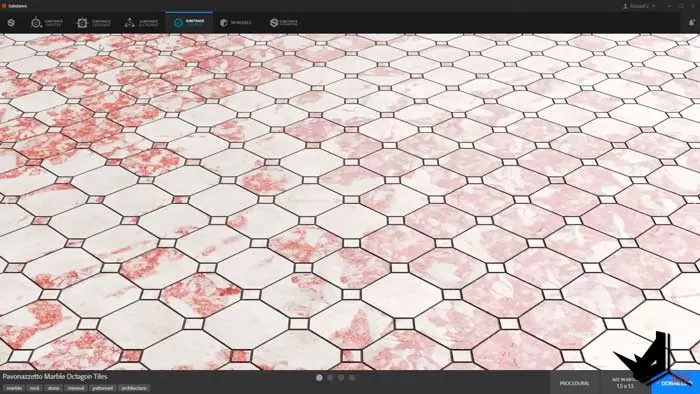
Creating Materials with Substance Source
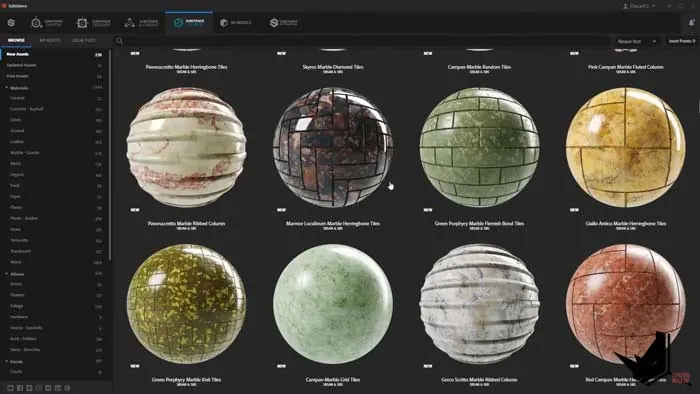
Substance Source is a free online library with hundreds of ready-made PBR materials that you can download and use. Materials on Substance Source are created by the Substance team and community members.
To get started, browse the Substance Source library and download materials you want to use such as wood, metal, leather, concrete, etc. The materials are available in multiple variations giving you plenty of options.
Tweaking Materials in Substance Alchemist
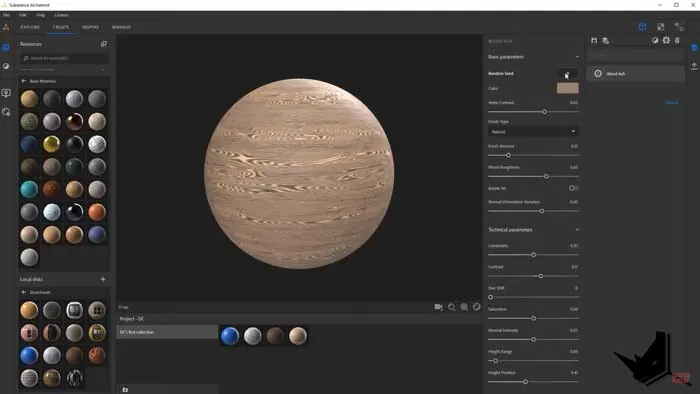
After downloading materials from Substance Source, you can tweak them further in Substance Alchemist. Alchemist is a simplified version of Substance Designer that still provides a lot of control over the look of materials.
You can change colors, and roughness, add more imperfections like scratches and dirt, and alter the material's underlying properties like bump, normal, and displacement maps. Alchemist even allows you to mix multiple materials together into hybrid “composite” materials.
Importing into Rhino
Once you are happy with the look of your materials in Alchemist, you can export them and then simply drag and drop the materials into Rhino. The Substance plugin will automatically convert the materials into Rhino's native format.
You can then easily apply these high-quality PBR materials onto objects in your Rhino scene. The materials will render beautifully in Rhino's built-in renderers.
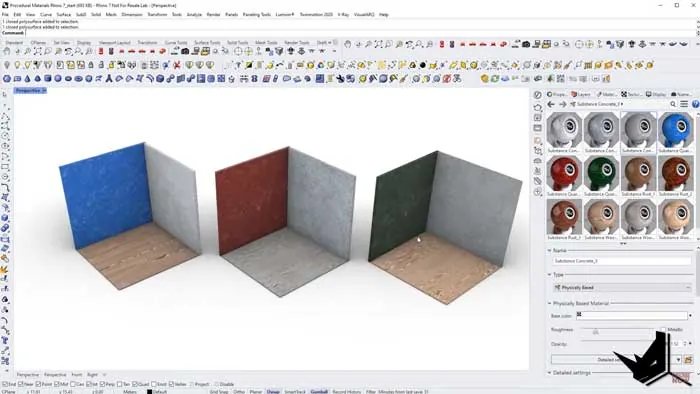
Rendering Substance Materials
The key benefit of Substance materials in Rhino3D is that they are compatible with third-party render engines like V-Ray, Maxwell, and Blender's Cycles engine. So you can leverage the advanced rendering capabilities in these engines to take your Rhino visualizations to the next level.
Since Substance materials use industry-standard PBR shaders, they behave physically accurately when rendered. The materials react properly to different lighting environments and look realistic.
Conclusion
Being able to utilize Substance materials directly inside Rhino unlocks tremendous possibilities for architects and designers. You can now add realistic, customizable materials to your Rhino projects without having to switch between tools.
The ability to tweak materials at any time by simply adjusting parameters makes iterative design easier. So if you haven't tried Substance Materials in Rhino3D, be sure to give it a go on your next project!

Rhino for Architects Course
Give your architectural skillset a major boost with the Rhino for Architects Course. Get over 60 hours of focused training tailored specifically for architects. Master commands and techniques to model, render, and animate architectural visualizations at the highest level. Click below for more information and watch your designs come alive!