In this post I will show you the most important Architects’ tools divided in categories.
If there’s only ONE necessary thing to have as an architect, it would definitely be thick skin.
But... (spoiler alert) our reality is that we need to know many other things and tools as well.
Tools from before, current tools, and tools that await us in the future.
There can be no present without the past, so first I’ll start with Vintage Architect's Tools.
Let’s take a look at what was used in the past before we became computer addicts.
9 Influential Vintage Architects' Tools
Drafting Table
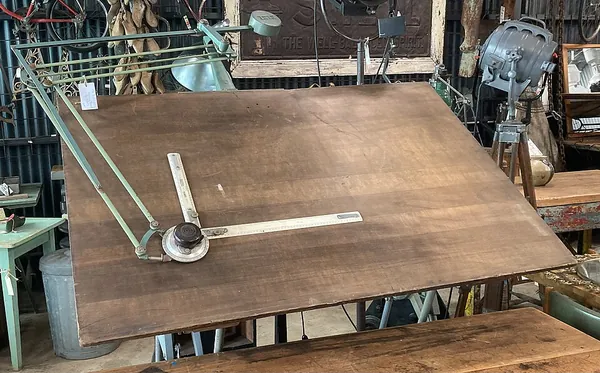
A drafting machine (drafting arm/table) is a tool which is used for the purposes of technical drawing.
It consists of a pair of scales which form a right angle. It also has an angular rotation.
It was invented in 1901 by Charles H. Little. He manufactured and sold the instrument and was the founder of the Universal Drafting Machine Company.
European design offices have been using drafting machines since the 1920s.
These machines were performing drawing operations that could otherwise be achieved only with use of much more complex rulers drawing parallel, orthogonal lines, angular ones etc.
Since computer-aided design has become so popular nowadays, drafting machine usage has drastically decreased.
And for a good reason, no?
Tape Measure
Ok, so we all know what is a tape measure. A pretty important architects’ tool, I would say.
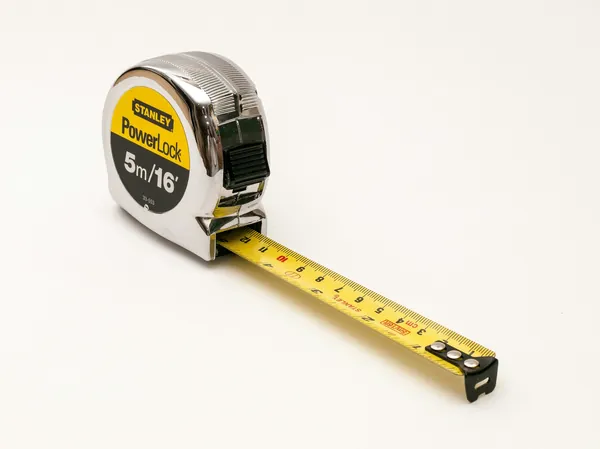
Even though it’s a common tool nowadays as well, for sure it’s not used as much as it was in the past.
You know, before all those digital surveying applications came out.
So, a tape measure is like a ruler, but a flexible one. It’s mostly used to measure distance, and sometimes more than 100 feet.
You can easily carry it in your pocket, which is very convenient. It’s also used to measure around curves.
Today you can also see it in smaller miniature form and carry it on a keychain.
Drafting Template
If only there was a tool that could help you to draw repetitive shapes and symbols with the exact same size.
Well, of course there is. For this purpose, we have the drafting templates.
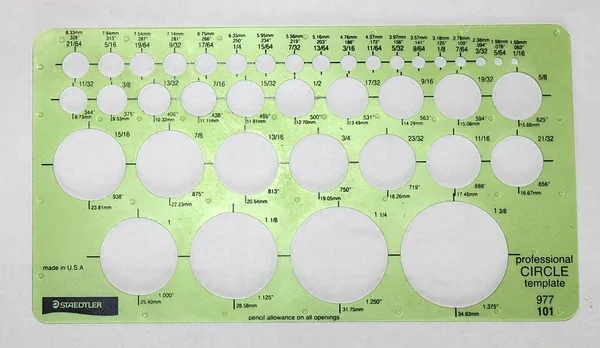
This tool is used for drawing common shapes, figures and symbols. It is a piece of plastic with cut-out symbols on it.
You can use it for different drawing scales, as well as various floor plans and much more.
Electric Eraser
We all know that making mistakes is only a small part of the drawing process.
And we also know how frustrating it is to not be able to change a mistake, and then start over.
Architects in the past didn’t have the luxury of undo-ing a mistake with one simple click or button. But they had something else. The electric eraser.
This highly-precise tool is battery-operated and is usually in the shape of a pen or a pencil, but a bit larger.
Also, there is an electric operated motor connected to the tip of the eraser.
Heliodon
Being context-sensible and doing sun and shadow studies is just a usual thing for architects.
So, how was it done in the past when there was no computer-aided tool to do it quickly? With the use of heliodon.
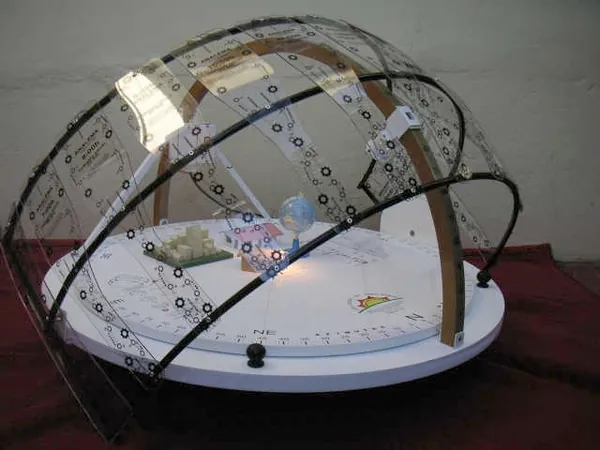
It is a device consisting of a flat surface and a rotating beam.
First, you place the physical model on the flat surface.
Then, by adjusting the angle between this surface and the “solar” element on a circular beam - you get different shadow results at various times of the day.
Blueprint Machine
How do we communicate our designs to our clients or to others?
Mostly through pieces of paper called blueprints.
Blueprinting (a method invented in 1842) is the process of copying large construction and architectural drawings.
A blueprint machine produces copies of these drawings.
The way it was used is that users would need to roll the paper through a chemical mixture that produced the drawings on a special paper.
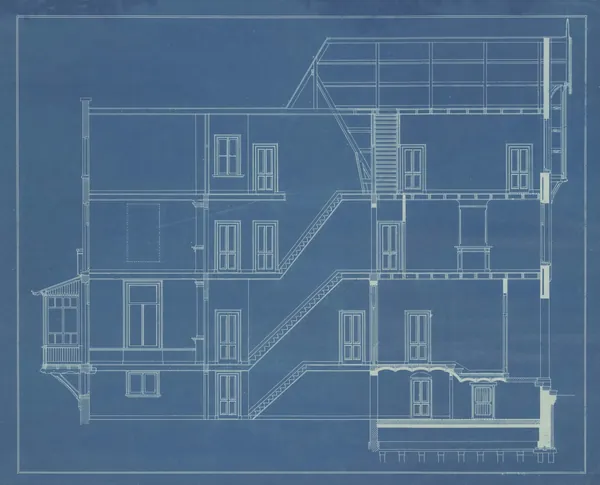
Luckily, in our modern times we have digital plotters that print the drawings without having the need of manual labor.
Photo Retouch
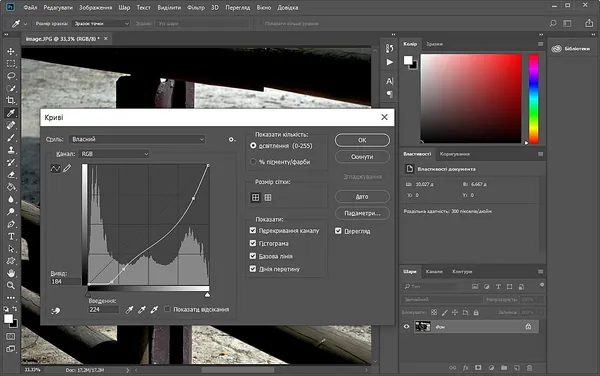
Photo manipulation or photo retouching was born around the time that photography was born as well.
Initially, this retouching was done with special brushes, paints and knives.
It was used for altering an image for the purpose of using it in the final stages of the presentation, whether it’s for architectural purposes or even retouching face images.
With current Architects' tools like Adobe Photoshop and After Effects, the whole retouching process has become much easier.
Digitizer Tablet
A digitizer tablet was used for sketching images or tracing them.
The way to use it was through contacting the surface of the tablet with a special pen (wired or wireless) called tablet cursor.
There were two ways of operating this tablet.
One offered a direct contact between the screen and the tablet, meaning that wherever you touched the tablet, you would see your drawing in the same place. (Digitizer mode)
The other one can be compared to moving a mouse on a screen, meaning you could see the cursor shown on the tablet surface depending on where you would move it. (Mouse mode)
The user could also trace images, with a series of x-y coordinates. (Stored as mathematical segments)
Building Product Catalogs
Last, but not least, storing and archiving is a really important part of a design process.
As well as researching.
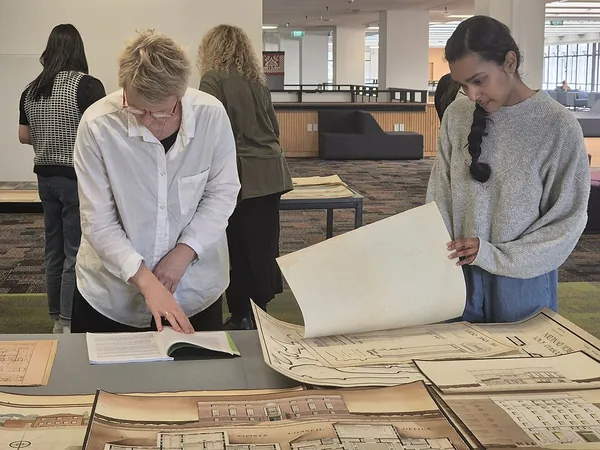
In the past, architects would go through many hard-copy magazines and materials, and find a way to archive them as efficiently as possible by building product catalogs.
But, in our modern times, there are so many online platforms offering the same potential, making it way easier to bookmark or organise our research and findings.
We don’t see many of these tools anymore, do we?
Our life is so much easier thanks to the digital revolution.
But what are the current everyday physical gadgets of an architect, you may wonder?
Except a stress ball, of course.

9 Important Physical Architects’ Tools
Sketchbook
One of the most important physical architects' tools that you can have as an architect is a sketchbook.
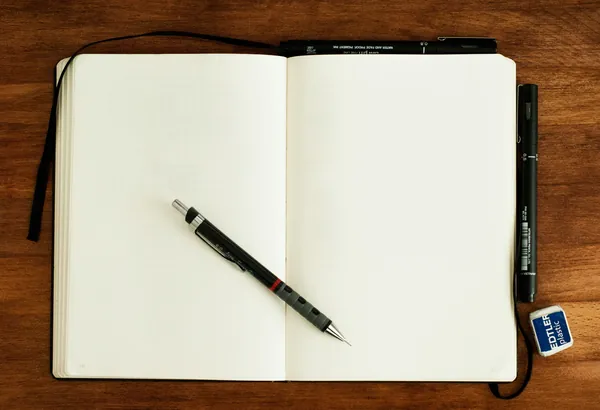
Whether it’s for taking notes or sketching your ideas, sketchbook is an essential tool that you can carry around with you wherever you go.
It can also help you become better at sketching, by doing a lot of practicing.
Tracing paper
Tracing paper is a paper with low opacity, making it transparent and easy to use over other sketches or drawings.
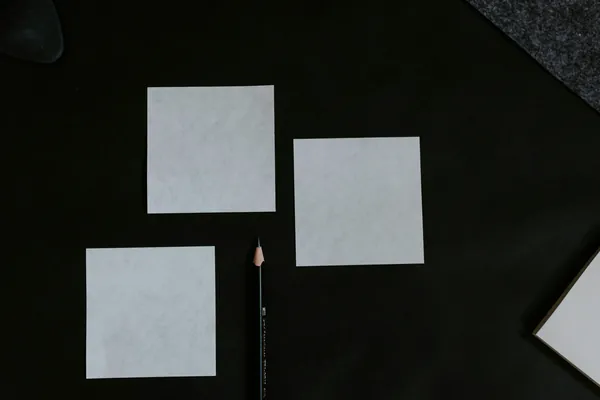
With it, you can copy your other drawings and change some parts of the design, making it really easy to provide many alternatives from the same idea.
Set of drawing architects' tools (pens, pencils, drawing compass, rulers)
Drawing architects' tools like pens, pencils and rulers are a must-have if you’re an architect.
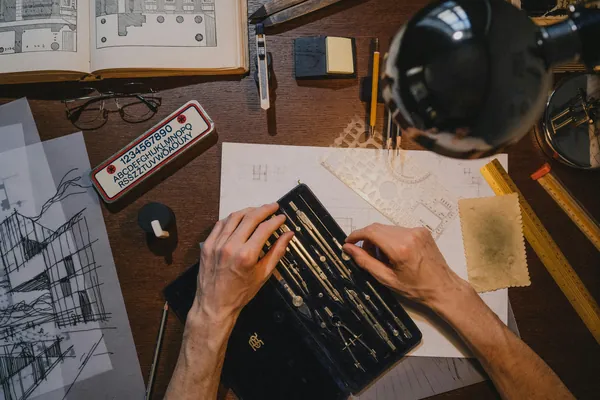
If you’re keen on hand-drawings, you will find them very handy in all stages of the design process.
Architects' Tools that you can't live without - Cutting mat
Physical models also play a big role in presenting your idea.
Cutting mat is usually helpful in the production of physical models, by cutting cardboard on it.
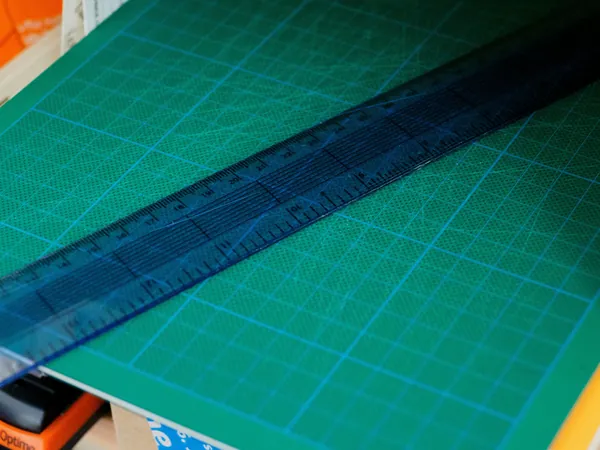
It is an elastic board with dimensions on it on which you can cut your material.
Tape measure
We talked about tape measures in the vintage architects' tools.
Nevertheless, it’s still an important one in case you don’t have digital measuring applications.
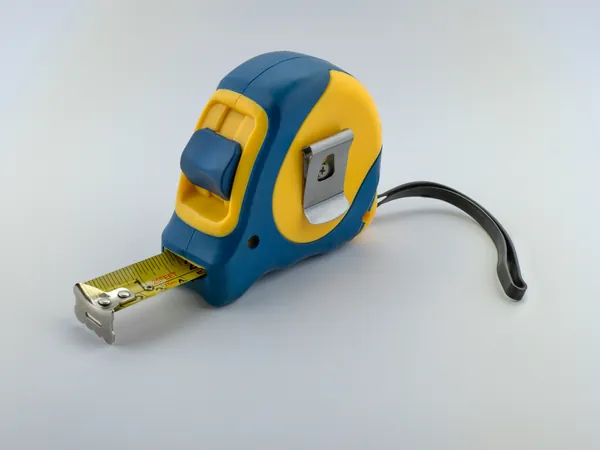
Depending on the size, it’s easy to carry it in your pocket anywhere you go.
You can use it for measuring distance which would be useful if you would want to redraw an existing area or use it as a base drawing for your next project.
Modelling scalpel
If you’re going to make physical models, which I’m sure you will at one point, modelling scalpel is a tool you need to have.
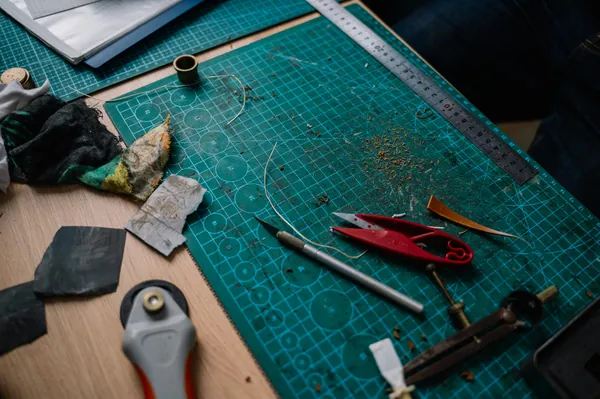
The thing to keep in mind, though, is that after a while you need to switch the blade because it needs to stay sharp for having best results.
Glue
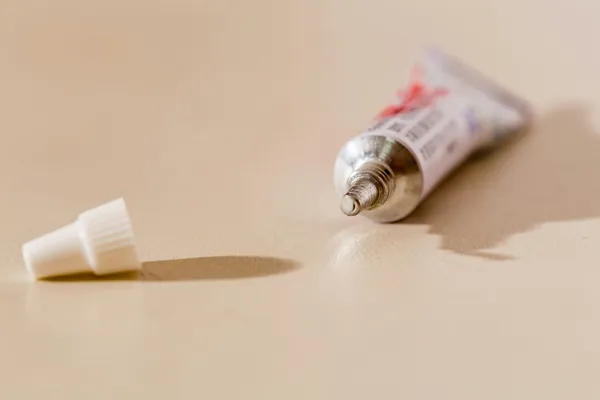
Let’s face it. There can be no good physical model without some glue to keep it in place.
And let me tell you one thing.
On presentation day, even if you think your model is glued perfectly, you will need this little guy just in case, cuz everything might happen, so you better be prepared.
Forgotten Architects' Tools - Calculator
Have you chosen architecture with the hope of avoiding doing math?
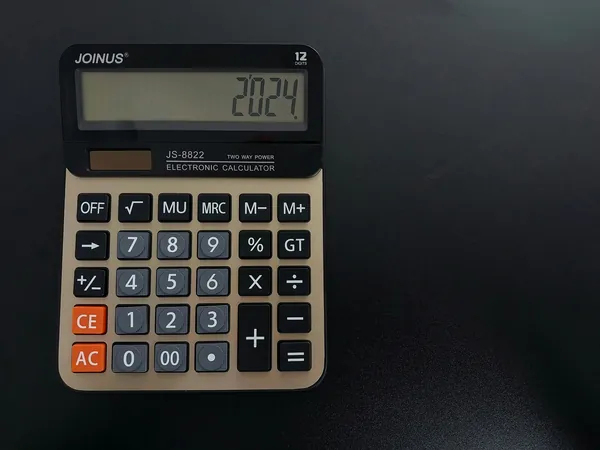
Unfortunately, you would still need to do some calculations, which is why you definitely need a calculator.
Architects' Tools Holy Grail - Laptop
There is no other way to say this, but if you have all the above-mentioned architects' tools but no laptop, you wouldn’t survive as an architect.
Choosing a good one is important as well, since you will be working in programs that require good computer specifications.
You could also go with a static computer, but a laptop solves your problem of carrying it with you anywhere you go.

And one last thing.
Keep your laptop safe, because your life depends on it.
Now that you’ve seen both the vintage and current physical architects' tools of an architect, let’s move on to the next category.
The Almighty Software Packages.
What would we do without them? I would say quit architecture for good.
Luckily, they are here and making our lives easier than ever.
Without further ado, let’s see which are the most used ones, whether you’re a student or not.
9 Popular Software Architects’ Tools
AutoCAD
AucoCAD is a computer aided design and a software application for drafting.
Even though you can 3D model in it, it’s best used for 2D drafting, drawing plans, sections, calculating areas etc.
It is still widespread in its use, even with all the advancements of the BIM technology.
ArchiCAD
ArchiCAD is a BIM (Building Information Modelling) and Virtual Building Modelling software.
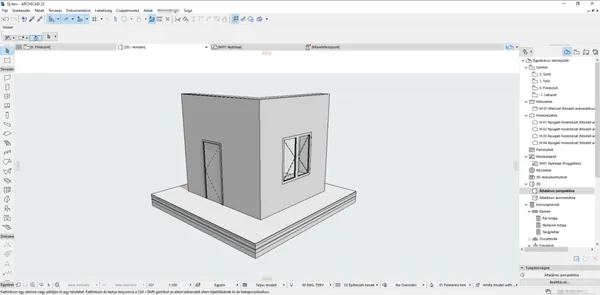
The great thing about it is that once you model your project in 3D, you can easily extract sections and plans from it, without having the need to draw them in AutoCAD.
With the use of this software it’s also possible for other team members to collaborate on the same project at the same time.
This pushes the design forward and cohesive within one file.
Revit
Revit is also a BIM software but issued by Autodesk, compared to ArchiCAD which is issued by Graphisoft.
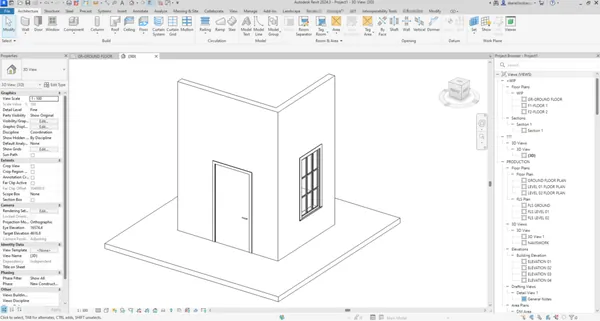
There are few differences between the two.
For instance, modelling in Revit means more autonomous design and more options for parametric design than ArchiCAD.
It’s a software of global scope and has more resources, including tutorials and e-books by Autodesk.
However, the layout in ArchiCAD is more user-friendly and the file sizes are smaller.
Vectorworks
Vectorworks is another BIM software.
It provides 2D drafting, 3D modelling and rendering, depending on your needs.
It’s visually much better than the previous two and has more presentation-like options.
It’s also much easier to learn and also cheaper.
SketchUp
SketchUp is a really easy software to learn, and at first glance it would seem like it doesn’t have a lot of options.
But, don’t be fooled. With the possibility of adding extensions it’s much more powerful than you would think.
It’s good for interior design and rendering with plug-ins like V-Ray, Lumion, Enscape...
3ds Max
3ds Max is mostly used in the video game industry, but also as a powerful 3d tooland also for rendering architectural works, whether they are exterior or interior designs.
Again, different render machine plug-ins are available, depending on your choice and need.
V-Ray (rendering engine plug-in)
One of the most popular render plug-ins is V-Ray.It’s great with Rhino, 3ds Max, SketchUp etc.
It has its own default library of materials but offers the possibility of adding and creating your own as well.
Corona Renderer (rendering engine plug-in)
Another powerful rendering engine is Corona.
When combined with 3ds Max it’s a powerhouse, and it creates hyper-realistic images and renders.
Rhino and Grasshopper
If there's one thing you should master, let it be this one!
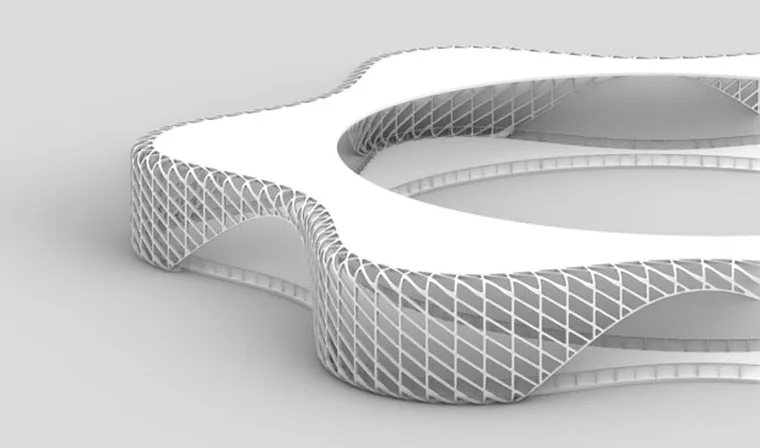
I don’t even know from where to start emphasizing the importance of parametric design within a very flexible 3D modelling software like Rhino.
It’s a perfect match made in heaven, without a doubt.
By using Rhino + Grasshopper, the possibilities are endless and the creativity is on another level.
To add a rendering plug-in (like V-Ray) on top of that would be a cherry on top.
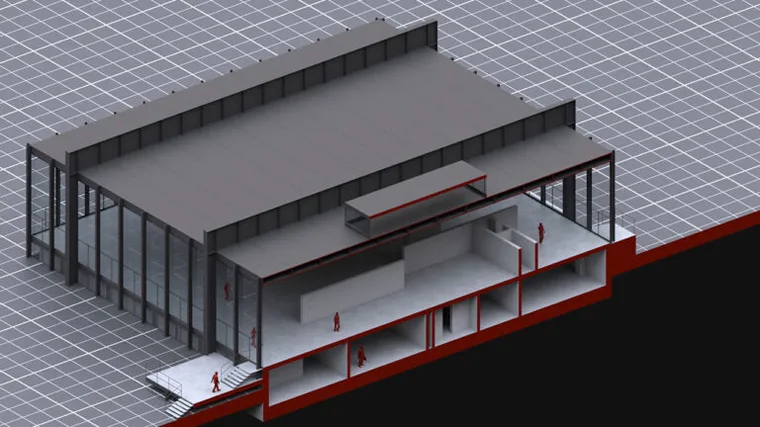
There are so many things to learn as an architect, right?
Don’t worry, because they are all architects' tools that can be learned and mastered.
Here at How to Rhino, we specialize in helping professional architects and students to mater both Rhino and Grasshopper by going through our course called Rhino for Architects. If you're interested in improving your skills in this area, make sure to check our our Rhino and Grasshopper Courses here.
Anyway, have you thought about what the future holds for architects?
I got you covered on this one as well.
6 Prominent & New Emerging Architects’ Tools & Trends
VR & Immersive Architecture
In the past few years, virtual reality applications have taken so much space in the architecture industry, and they will take up even more focus in the future.
Usually, clients prefer to see their project as realistically as possible before being built in reality.
That’s where VR comes in.
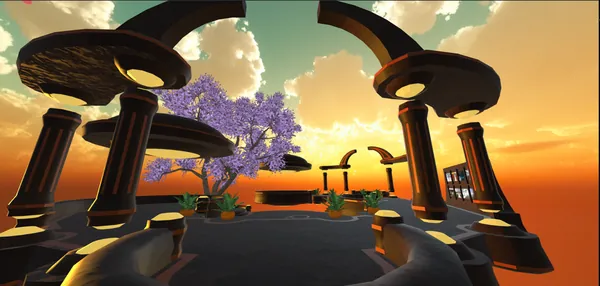
Offering super realistic and immersive environments (with 360 degree views) that make the clients experience the design, without having the need to understand 2d drawings the old-fashioned way.
BIM & Teamwork Collaboration
Using BIM has the collaborative potential that plays a crucial role in the process of designing and building a project in reality.
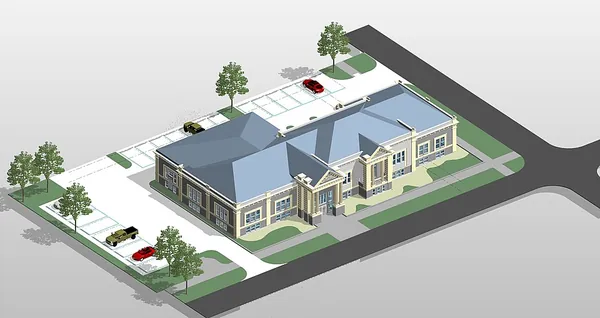
BIM ensures that everyone is consulted at all stages of the design process and that the documents are updated and hosted in one place.
This reduces the errors in different file versions and also the timing.
Parametric Architecture
What is parametric design?
It is the manipulation of information that affects the design process by making changes to the design.
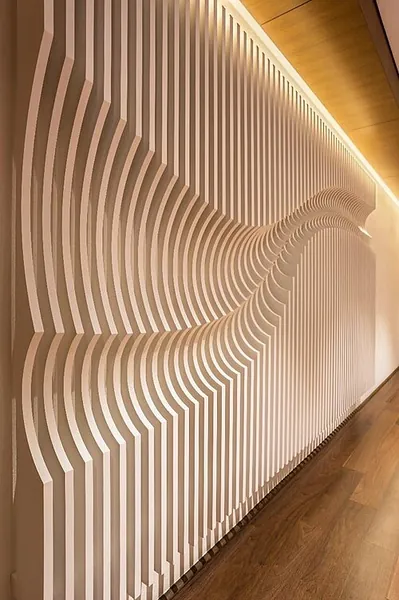
It is mostly used for creating complex shapes, structures and geometries.
It can be used for concept design, façade design iterations, furniture design and much much more. You can ready our Ultimate Guide to Parametric Architecture if you'd like to know more about it.
Parametric design will, without a doubt, play a crucial role in the future of architecture.
Future Architects' Tools such as 3D Printers and Architecture Robots
3D printers and architecture robots have a great advantage over manual labor, and that is efficiency and precision, with little to no error.
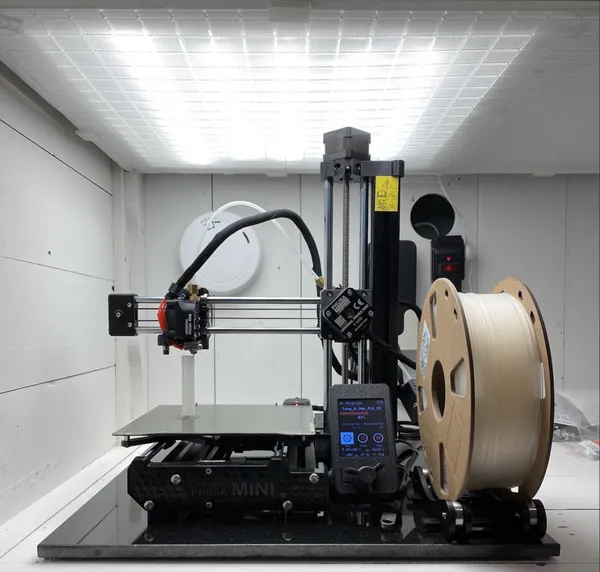
There are other advantages as well, but because of these very important reasons, there is no doubt that they will be very popular in the future.
Big Data - Smart Cities
We often hear the words Smart City or Smart Cities. So, what does it actually mean?
A smart city is using communication technologies and information so that the efficiency is increased much more than before.
It also shared that information with the public, by improving the welfare of citizens as well as the government services.
Because of that, everything will be interconnected in the near future.
Interdisciplinary Collaboration
For architects collaboration is key, and it always has been.
Why?
If we want our design idea to be constructed in reality, we would need the knowledge of engineers and other experts in the field to make sure that our product is buildable, feasible etc.
This will be more visible in the future as other professionals (for instance sociologists) will be asked to provide their expertise on how the design will affect people.
Great job, you!
After learning more about the different types of Architects’ Tools, I’m sure you are on your way to be the best architect out there. Additionally, some of these can be great gifts for budding architects!
But let me tell you, for me the best tool as an architect is having a strong mind.
Related Resources
If you found this guide to architects' tools helpful, explore more:
- Drafting Tools for Architects: A deeper look at essential drafting instruments
- Renaissance Architecture: See how classical tools shaped some of history's greatest buildings
- Free 3D Models for Architecture: Download ready-made models for your projects
Ready to master the most powerful digital tool for architects? Our Rhino for Architects Course teaches you Rhino and Grasshopper from the ground up, with lifetime 1-on-1 support.

Rhino for Architects Course
Give your architectural skillset a major boost with the Rhino for Architects Course. Get over 60 hours of focused training tailored specifically for architects. Master commands and techniques to model, render, and animate architectural visualizations at the highest level. Click below for more information and watch your designs come alive!