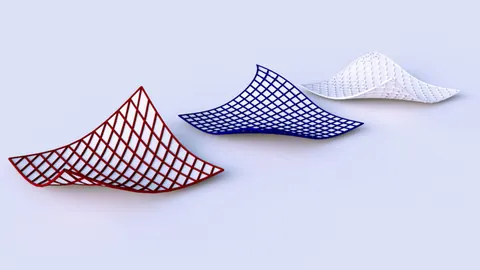
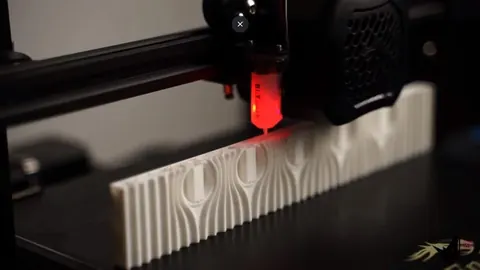
Digital fabrication allows designers to translate digital 3D models into physical objects using technologies like 3D printing, CNC machining, and laser cutting. While these technologies make fabrication easier, preparing files for digital fabrication can be tedious and time-consuming. Fortunately, in Rhino 3D there are tools that can automate parts of the digital fabrication workflow, saving you time and frustration.
Streamline Sectioning and Layout
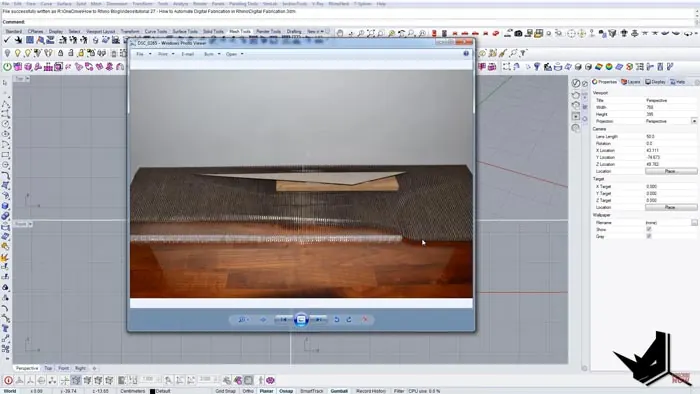
One of the most tedious parts of prepping a model for laser cutting or CNC machining is creating section slices and laying them out. Often this requires manually slicing the model, copying each slice to a layout, and trying to fit them together like a puzzle. The Section Tools and RhinoNest plugins for Rhino automate these steps for digital fabrication in Rhino.
After installing the Section Tools plugin, you can automatically generate section slices through your Rhino model. Simply create reference planes where you want sections, select the Section Tools command, and click on each reference plane to generate slices. The slices are automatically numbered so you can keep track of their order.
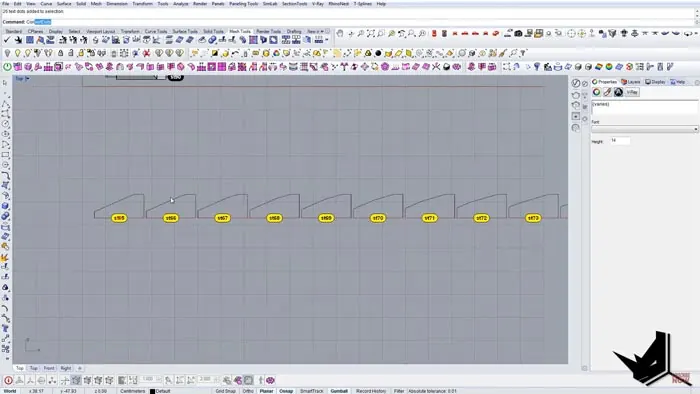
Once the section slices are created, the RhinoNest plugin can automatically generate the fabrication drawing layout. After selecting all the section objects, RhinoNest will fit them together on a sheet in the most efficient arrangement possible. You can define spacing and margins and even quantity if you need multiple copies. In seconds, RhinoNest generates the complete drawing layout ready for fabrication.
Add Labels and Print Information
The fabrication drawing also needs additional print information - like labels, text, line weights, and colors. SectionTools and some simple Rhino commands help add these automatically.
To label the sections, select the text objects and use the Convert Text to Curves command. This turns the text into vector geometry the laser cutter can read. Explode the text to separate each letter as a curve object.
Use the Match Properties command to quickly assign colors and line weights to all objects. Red lines can be cut lines, and cyan can indicate engraving. Group the sections so they stay together in the layout.
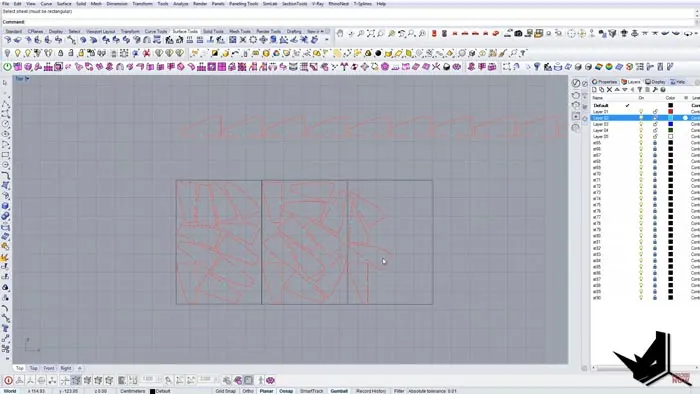
Now the drawing is fully ready for digital fabrication with all necessary layers, labels, and layout completed in minutes rather than hours.
Digital Fabrication in Rhino
Whether you're 3D printing, laser cutting, or CNC machining, digital fabrication in Rhino is smooth and efficient with these tools. They save significant time and headaches compared to doing the work manually. SectionTools, RhinoNest, and utilizing Rhino's existing commands transform digital fabrication into a rapid automated process.
Any designer, maker, or student who does digital fabrication should have these tools in their arsenal. They're inexpensive plugins that pay for themselves in time savings with just one or two projects. They can take a tedious necessary task of file preparation and turn it into a fast, push-button solution.
Final Thoughts
Automating these repetitive workflows lets you focus on the more important and creative parts of design - like actually modeling and iterating the 3D forms. So explore how digital fabrication in Rhino can become more automated, while your unique designs stand out.

Rhino for Architects Course
Give your architectural skillset a major boost with the Rhino for Architects Course. Get over 60 hours of focused training tailored specifically for architects. Master commands and techniques to model, render, and animate architectural visualizations at the highest level. Click below for more information and watch your designs come alive!