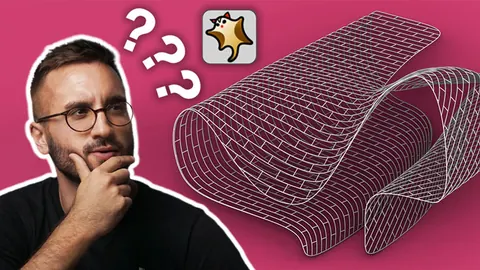
Grasshopper is a very powerful tool for parametric design, and there are certain plugins like Parakeet plugin that can helpful in the creation of complex shapes and patterns for 3D models.
This is certianly one of them, as it allows us to generate various patterns and makes it easy to transform these into 3D objects.
In this post, we will explain how to use Parakeet to create different patterns for 3D models, and walk you through all of the steps, from downloading and installing the plugin to using the different features to create stunning and intricate patterns.
Download and Install Parakeet plugin
Firstly, we can find the Parakeet plugin on the Food4Rhino website, download it from here and install it. On the same page you will see examples of the different patterns which are available. At this point, let's open up Rhino and Grasshopper, and get started.
Once we're in Grasshopper, we'll be able to see the Parakeet plugin. It has a couple of submenus - Curve, Tiling, Mesh Pattern Generation and Primitive. We need to start off with the tiling grid. We can choose from the selection of curves available in Parakeet or we can use Grasshopper components to create new our own pattern.
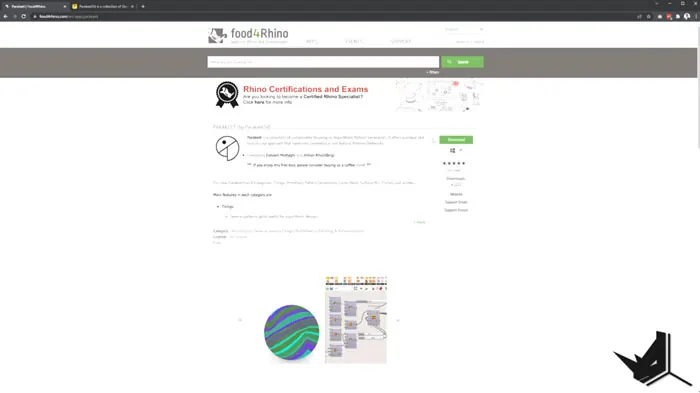
Different grid and pattern options
Hexagonal Grid
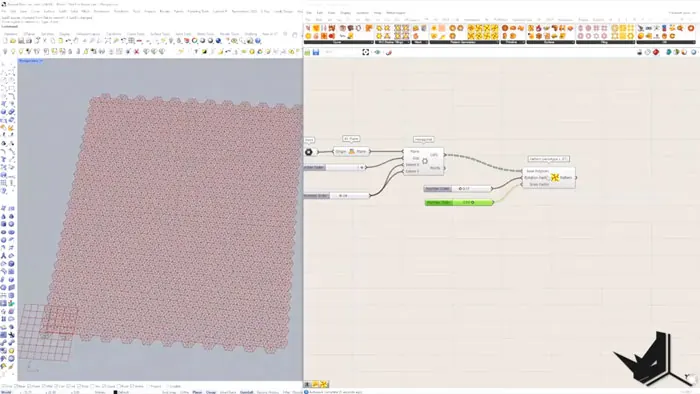
We'll start by creating a hexagonal grid, which we can find in the Vector submenu. In order to set up the grid, we need to select a plane and a point. Using X, Y and Z directions we can adjust the size of the grid.
Once we have set up the grid, we need to choose a patterns from Parakeet. Also, we can create different versions of the pattern by adjusting the rotation and scaling factors.
Square Grid
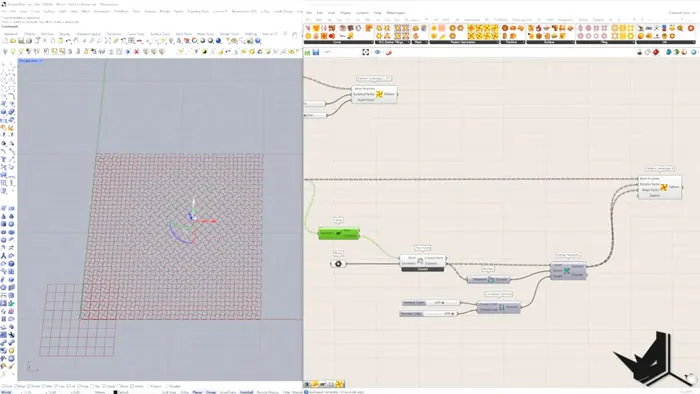
The next one we're going to try out is square grid. We'll go once again to the Vectors, and choose Square Grid from there. Using a point and a plane, we will set up the grid.
After that, we will select a pattern from the Parakeet menu and then create a unique pattern by adjusting the necessary parameters. Additionally, you can try out different settings options and experiment with how this affects the pattern.
Automatic Patterns
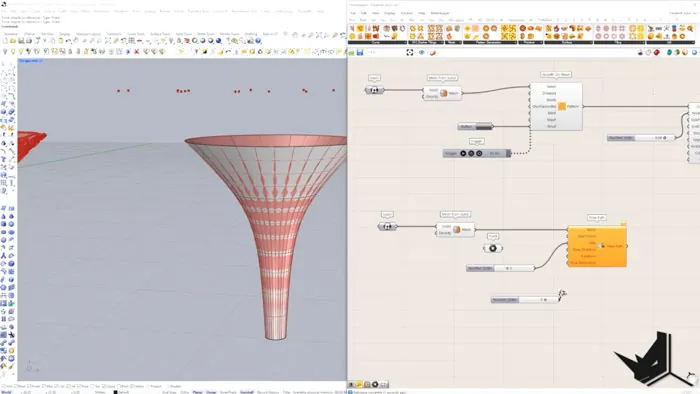
You don't need to create the patterns from scratch, since Parakeet also offers a couple of algorithms that allow us to create intricate patterns automatically. For instance, we can use Growth on Mesh algorithm to create a pattern that grows on the mesh. Or, another example, we can use the Flow Path algorithm to simulate a path on which the points will flow around a shape.
With the different tools and methods, you can create intricate patterns for 3D objects, comnbining the various patterns and algorithms to make more complex designs. What's more, you can take full advantage of these possibilities completely free, since Parakeet is a free plugin.
Final Thoughts
Parakeet is a powerful addition for Grasshopper which allows us to create complex patterns and designs for our 3D models. Furthermore, with the different features and tools we are able to generate stunning patterns and transform them into 3D objects. Parakeet is a must-have plugin for Grasshopper!

Grasshopper Complete Course
Give your architectural skills a boost with the Grasshopper Complete Course. Get over 50 hours of comprehensive Grasshopper training tailored for architects. Learn to generate and iterate designs faster. Click below for more information and streamline your workflows!