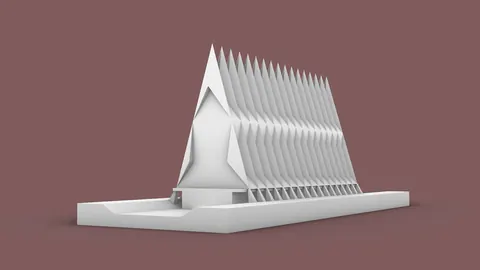
Rhino 7 is finally here! This major new release brings some incredibly exciting new tools and capabilities that will change the game for architects, designers, and 3D modelers.
In this post, we'll highlight the top 10 most important additions that you need to know about in Rhino 7 new features.
Subdivision Tools
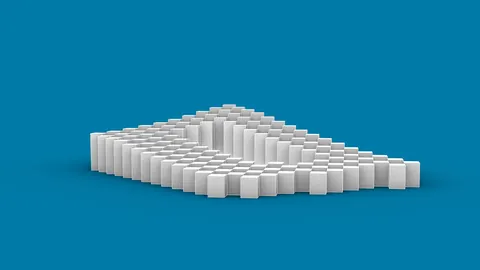
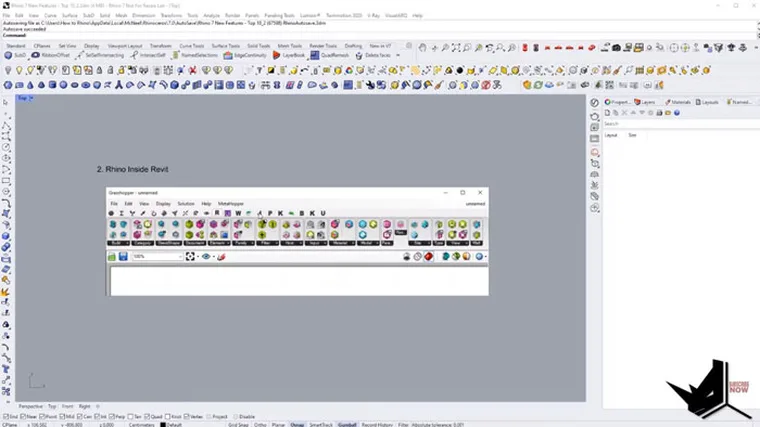
The number one new feature in Rhino 7 has to be the subdivision tools. These replace the old T-spline plugin and provide unmatched freedom and flexibility for creating smooth, organic freeform geometry. With subdivision tools, you can model complex voids and shapes far more intuitively.
We have a full set of in-depth tutorials covering all the subdivision commands and capabilities that the supporters of our Patreon page can access. But in short - subdivision opens up a whole new level of form exploration and flexibility in Rhino 7 new features.
Rhino Inside Revit
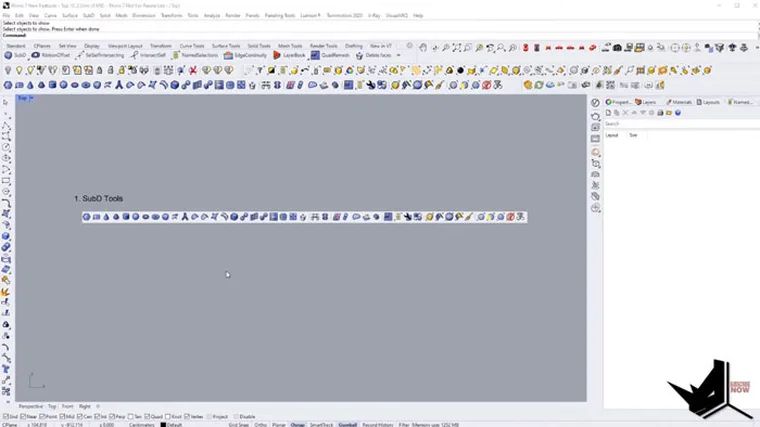
Coming in at number two is Rhino Inside Revit. This fusion allows you to run Rhino and Grasshopper directly within the Revit interface. Now you can combine the robust parametric modeling of Grasshopper with the powerful documentation tools of Revit.
You can explore our existing tutorials on Rhino Inside Revit to understand the capabilities. But in short, it bridges the gap between the freedom of Rhino/Grasshopper and the structure of Revit perfectly as part of the Rhino 7.
Grasshopper Player
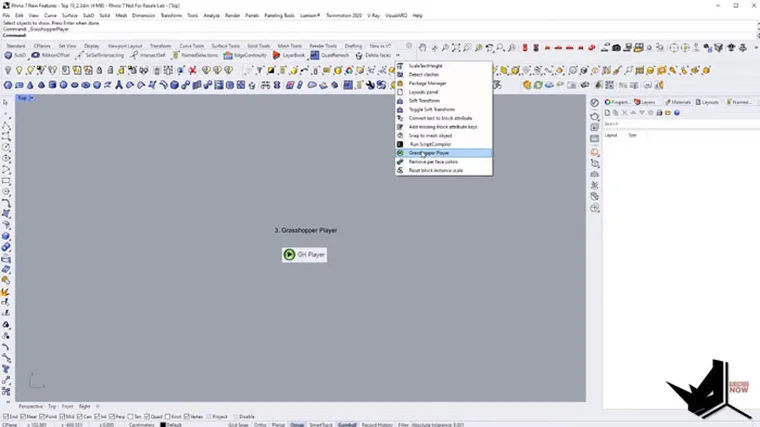
The Grasshopper Player allows you to use Grasshopper definitions directly in the Rhino viewport in real-time. Instead of having to regenerate the Grasshopper model, changes update instantly in the Rhino viewport.
This enables incredible flexibility and iteration speed when using Grasshopper models. You have full access to all the parameters and can watch the model update in real-time as you make changes.
Improved Layouts
Rhino 7 new features include a dramatically improved layout system. The layout tabs are now easily accessible at the top, and you can search, drag and drop, copy, and customize layouts far more easily.
For complex projects with many layouts, this improvement makes it much simpler to manage and keep things organized as you work.
Package Manager
The new package manager inside Rhino 7 simplifies installing and managing plugins. You can browse and install Grasshopper and Rhino plugins directly without having to go search websites and deal with installers.
This addition makes it far simpler to experiment with and add new capabilities to your workflow. The package manager will be continually updated with new plugins as they are released.
Quad Remesh
The Quad Remesh command intelligently retopologizes meshes into cleaner quad-based polygons for subdivision and 3D printing. This makes it easy to take a complex mesh and reshape it into a more organized quad layout.
For anyone dealing with sculpted meshes, Quad Remesh is an invaluable tool to quickly clean things up and improve topology.
Multipipe
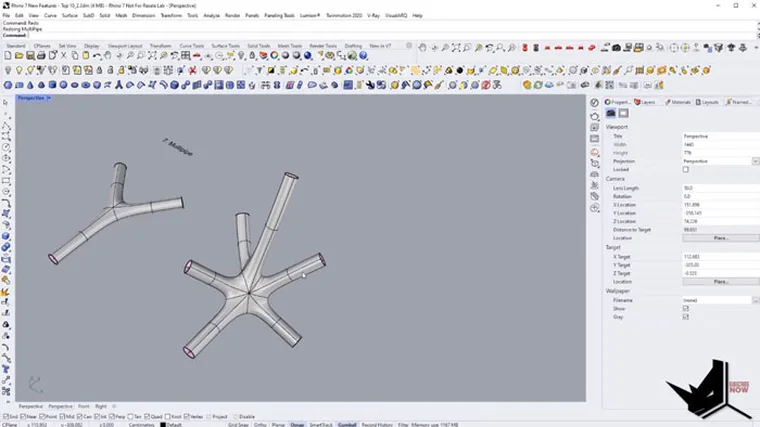
Next, we're going to talk about Multipipe. With this, we've got the possibility to create very smooth and precise connections between curves, no matter their orientation.
It allows us to create a single smooth connection out of multiple curves. On the whole, it's a great add-on for users who are looking for smooth and precise connections in their designs.
Named Selections
Named selections allow you to save and recall selections of objects. This is invaluable for more complex projects where you need to manage many object groups.
You can create any number of named selections for different components or sections, then easily re-select them after making changes rather than having to manually select many objects.
Clash Detection
The new Clash command lets you instantly analyze models and check for intersections between objects. Simply select two groups of objects, run the clash check, and it will zoom straight to any intersections found.
For verifying that complex models do not have unwanted intersections, the Clash tool makes this process far faster and more reliable.
Gradient/Transparent Hatches
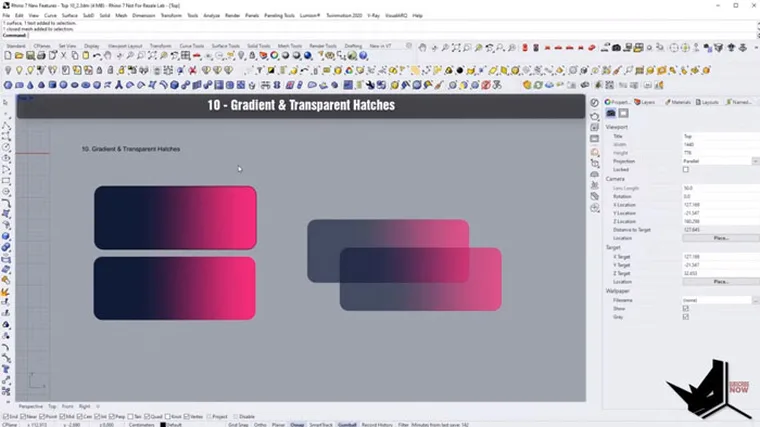
Last but not least, Rhino 7 new features add support for gradient and transparent hatch patterns. This includes full control over the hatch pattern, colors, transparency, and angle.
These new hatching tools are a major upgrade, providing greater accuracy and visual quality, especially when using hatches to generate render-ready views.
Conclusion
These new features only scratch the surface of everything new in Rhino 7. But based on our experience, these top 10 additions will have the biggest impact on daily modeling and design work. Take the time to fully explore each of these new tools to understand how they can transform your workflows.

Rhino for Architects Course
Give your architectural skillset a major boost with the Rhino for Architects Course. Get over 60 hours of focused training tailored specifically for architects. Master commands and techniques to model, render, and animate architectural visualizations at the highest level. Click below for more information and watch your designs come alive!