
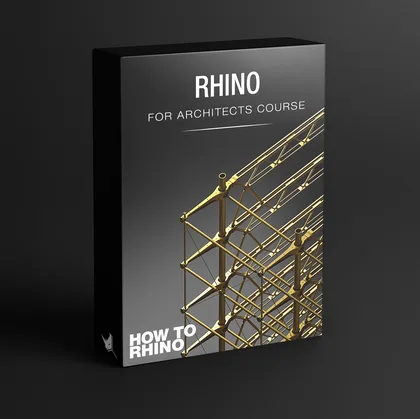
Have you ever come up with a great idea and concept about a project, but you didn't have enough technical skills to finish it? Rhino for Architects Course Will Help you out
Your imagined design was too complicated and you had no choice but to give it up :( That means that you lost your opportunity. Your opportunity to get the client you want, to get the scholarship, to win architectural competitions, to have a better grade or even to get a better job.
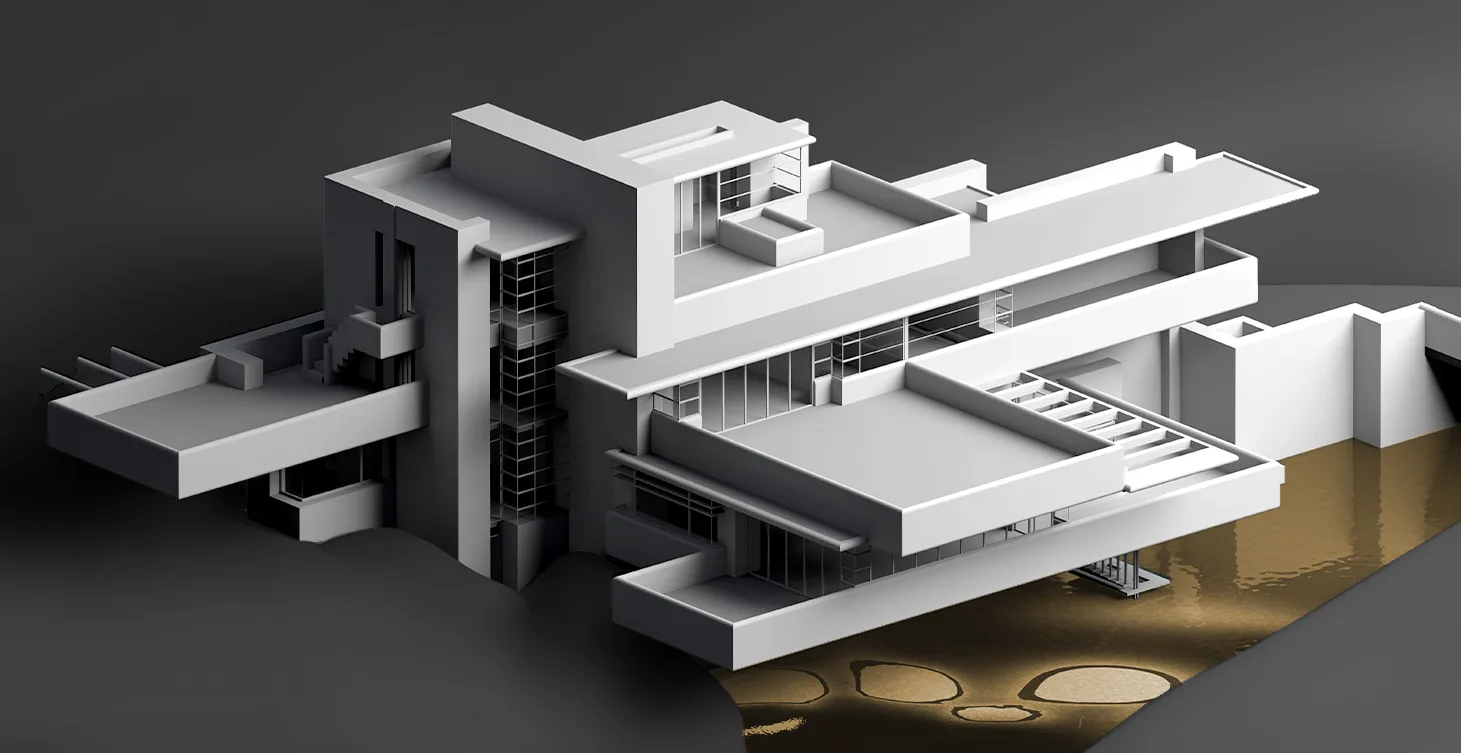
Switching from one program to the other and trying to make things work. Using AutoCAD for drafting, SketchUp for modeling, then some other program for rendering and then trying to fix things in Photoshop. When in reality you could use one single program that can do it all. And not just all, but much much better.
That way you get just average results and they take too much time. Because you are not using the right program for architecture. You feel stressed and frustrated because your renders are not at the level they should be and your projects just look average.
That one program is Rhinoceros 3D. Rhino is the most powerful and versatile 3D modeling program and the best choice for architects. It has everything you need - from 2D drafting all the way to complex 3D modeling, rendering, animation and parametric architecture with Grasshopper. All in one program.
But why is Rhino the best choice specifically for architects? Let me explain.
Why Should I Use Rhino And Grasshopper in Architecture? How can Rhino for Architects Course help you?
Grasshopper is The Number One Parametric Modeling Tool
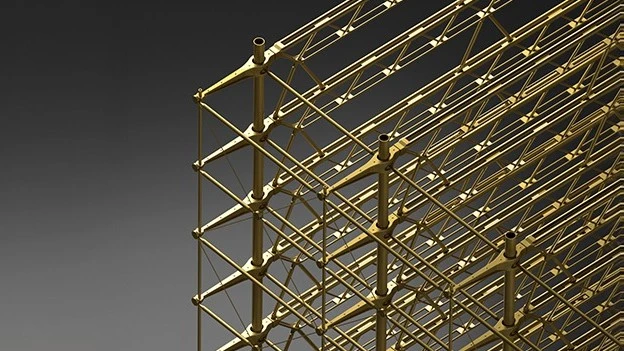
Grasshopper is a visual programming language that runs within Rhino. It is the number one parametric modeling tool in the world. It allows you to create complex parametric forms and automate design processes without writing a single line of code.
With Grasshopper you can create parametric facades, complex roof structures, algorithmic design patterns, environmental analysis, and much more. It is the tool that separates architects who can design anything from those who are limited by their software.
The biggest architecture firms in the world are using Grasshopper on a daily basis - Zaha Hadid Architects, BIG, Foster + Partners, Heatherwick Studio and many more.
It is literally the most important skill you can learn as an architect today.
Powerful Project Presentation Features
Architectural diagrams with Rhino can boost your visual presentation to another level. You have the ability to create exploded conceptual style diagrams and easily integrate them with other vector applications, adjust line thickness of any line and make everything super organized by using layers.
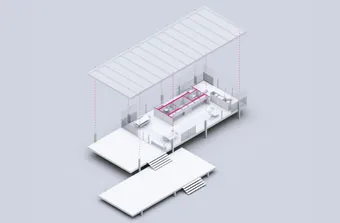
Architectural renderings with Vray allow you to create stunning images. On top of that, you can use any external 3D models that have Vray materials applied to them by just importing them in your model.

Architectural animations with Bongo plugin for Rhino integrate seamlessly with other rendering engines like Vray and allow you to create both simple and complex fly-through animations so that you can present your conceptual ideas in a video format as quickly as possible.
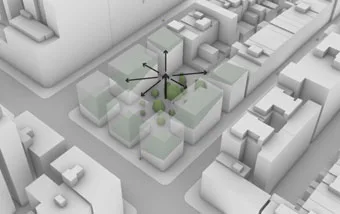
With Rhino for Architects Course, you will have the ability to create amazing architectural diagrams, 2D drawings as well as renderings, architectural animations and all of that is made in a super user-friendly way so that it takes you the least amount of time, so you can meet your deadline!
Complex Organic Forms With SubD Tools
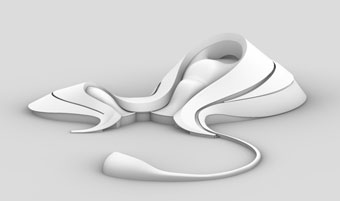
SubD (Subdivision Surface) modeling is a powerful technique for creating complex organic forms. It is widely used in product design, automotive design, and now in architecture.
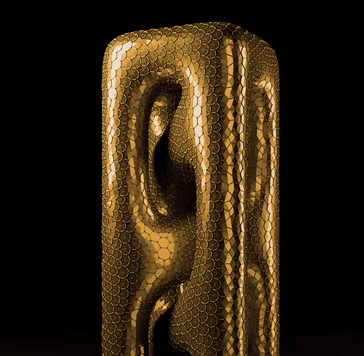
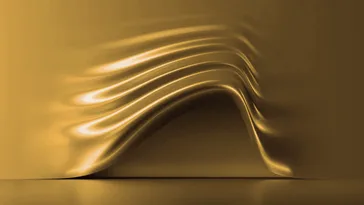
With SubD tools in Rhino you can create smooth, flowing forms that would be impossible to model with traditional NURBS or solid modeling techniques. Think of complex curved facades, organic pavilion structures, or futuristic building forms.
That all sounds great but...
Any of this sounds familiar?
You are not the first person having these concerns. In fact, most architects and architecture students go through exactly the same struggles when trying to learn Rhino and Grasshopper.
Yes, it's possible to learn Rhino very fast with the right system. A system that is specifically designed for architects, that takes you step by step from the very basics all the way to advanced techniques, and that gives you the support and mentoring you need along the way.
That system is the Rhino for Architects Course.
Rhino for Architects Course
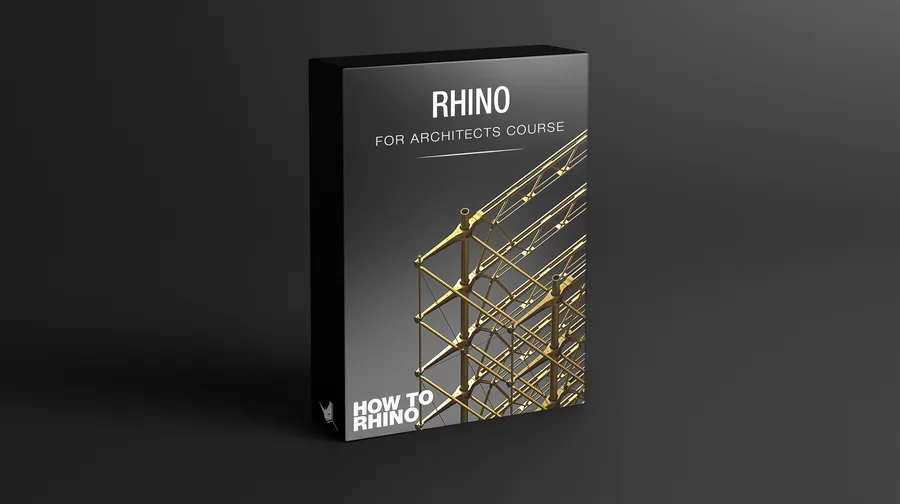
By the end of this course, you will learn...
- The best design workflow in Rhino including specific modeling commands and techniques for architects
- Creating 2D drawings and 3D geometry from beginner to advanced level
- Best ways to organize your files, layers, blocks, layouts, and structure of your model
- Creating complex fluid geometry in an organized and precise way
- Creating BIG style architectural diagrams and architectural renderings with Vray
- Creating both simple and complex architectural fly-through animations
Rhino for Architects Course combines very specific video tutorials that are designed to guide you in a simple step by step method from the very basics and core principles of Rhino and Grasshopper to the advanced level.
- Lifetime Access
- Immediate Start
- 8 modules
- 85+ hours of video
- Homework Assignments
- Project Files
- Interactive PDF Guides
- Additional Resources
- Bonus Content
- Future Updates
- Q&A Videos
What's Inside?
The training consists of 8 modules which cover some of the most important plugins and topics when it comes to using Rhino and Grasshopper for architecture. Each module can be watched independently but I strongly advise that you take a step by step approach and watch the modules in order.
This is the essential module in the course and the most important one. Modules 1 and 2 are the building blocks (or the foundation) of this course and I highly encourage you to start here first, do all the exercises and homework before you proceed to other modules, no matter if you're already an intermediate or advanced user.
In this module you'll learn:
- Everything you need to know about Rhino user interface
- How the core modeling concepts work and how you can implement them in your own workflow
- How to model quickly using Rhino shortcuts
- How to think in 3D environment and manipulate modeling viewports
- How to model precisely and not randomly
- Everything about modeling aids and object snaps
- Essential and advanced commands for architects
- Creating 2D drawings
- Creating 3D geometry, walls, doors, stairs, windows, roof
During this module, we will be going through some of the most important toolbars that you should get familiar with, we will talk about different software integrations with Rhino, we will be creating terrain and topography and on top of that we'll be talking about Rhino Layouts and how you can print your drawings directly from Rhino.
In this module you'll learn:
- How Rhino integrates with other vector and 3D programs
- Essentials toolbars for architects
- Best techniques for creating any type of terrain/topography
- How to effectively organize and use your blocks
- How to use Layouts and print documentation directly from Rhino
- How to use drafting tools and edit dimension styles
- How to optimize external models for use in Rhino
Complex fluid form modeling in Rhino 7, thanks to SubD tools will allow you to create any type of complex architectural form and even combine it with parametric modeling tools in Grasshopper. Here, you'll discover how to complete organic modeling projects from Zaha Hadid and MAD architects and how to use these modeling techniques and apply them to your own design ideas and projects.
In this module you'll learn:
- Most important SubD modeling techniques
- How to model precisely using SubD
- How to have full control of your organic models
- How to create complex terrain forms
- How to easily transform any geometry type to SubD
- How to create any type of complex organic form on your own
- How to model China Wood Sculpture Museum by MAD
- How to model Heydar Aliyev Center by ZHA
- How to model Harbin Opera House by MAD
In this module, we will get familiar with Grasshopper interface and its core concepts. By the end of the module, you will be able to create basic Grasshopper definitions and develop parametric thinking which would allow you to further explore your design ideas and concepts.
In this module you'll learn:
- How to approach learning Grasshopper methodically
- Understand the logic behind Grasshopper and how to implement it in your own projects
- Grasshopper interface and most important components
- Core concepts of Grasshopper
- How to find errors in your algorithms
- Math and data structure behind parametric modeling with Grasshopper
- Create your own parametric algorithms from scratch
In this module, we will be exploring one of the most if not the most powerful rendering engine in the world, Vray for Rhino.
In this module you'll learn:
- Vray's best workflows and practices
- How to use Vray lights to light your scenes
- What are the best Vray Rendering Options for test and production renders
- How to texture your models
- How to integrate external models in Rhino with materials already applied
- How to use Proxy objects to create vegetation
- How to use Vray with Grasshopper and their integration
This may be one of the most interesting modules in the whole course. Rhino is very well known for its conceptual and design capabilities where you can quickly check your design ideas and present them fairly quickly in a very visually appealing way.
In this module you'll learn:
- How to better sell your idea
- How to create BIG style diagrams
- How to integrate renderings with vector drawings
- How to create 3D sections
- How to create exploded axonometries
- How to export high resolution images without rendering
- How to use and combine visual styles in Rhino
In this module, you will get familiar with the best practices when it comes to architectural animations. We'll cover everything you need to know about animation with Bongo and Rhino from the very beginning, so you can clearly understand how to create your unique animations with different visual styles.
In this module you'll learn:
- Basics of animation and how to use it in Rhino
- How to create simple animations
- How to create fly-through architectural animations
- How to create animations with Rhino visual styles
- How to create animations using Vray
- How to animate camera movement and target
- Best animation rendering settings
- How to export and compile your animations
- How to create BIG style animation from scratch
- How to visually enhance your animations
- How to do post production in After Effects
Since Rhino integrates with almost any CAD software, we have the ability to import CAD drawings directly in Rhino and use them as a base to build our house up starting with the foundations. In this module, you will learn how to implement all Rhino commands that we went over in the first two modules on a specific example.
In this module you'll learn:
- How to use CAD drawings for 3D modeling
- How to texture all elements of the project
- How to build 3D geometry efficiently in a clean and organized way
- How to import any external 3D model with materials
- How to render a project with Vray
- How to do post production in Photoshop
What Our Students Say
Peter Thompson
USA
"The course is extremely helpful and very thorough. It covers everything from the basics to advanced techniques. The best part is that it actually helped me land a job. I can't recommend it enough."
Chim Lim | fosa.hk
Hong Kong
"What I appreciate the most is the 1-to-1 basis support. Whenever I have a question, they get back to me very quickly. You can tell that they really want you to learn it. It's not just a course, it's a mentorship."
Guilherme Garcia
Portugal
"I found the course through YouTube and decided to give it a try. It changed my life as a student architect for sure. The course structure is amazing and the support from the team is incredible."
Master Rhino and Transform Your Architecture Career
Mastering Rhino and Grasshopper will open doors you never thought possible. You will be able to win architectural competitions, build an impressive portfolio, get better grades, land the job you want, and express your full design potential without being limited by your software skills.
In today's competitive architecture industry, having advanced digital skills is not optional - it's essential. Architects who can use Rhino and Grasshopper at a high level are in high demand. They stand out from the crowd and get the best opportunities.
By investing in your Rhino and Grasshopper skills now, you are positioning yourself for long-term success in your architecture career. Whether you are a student, a recent graduate, or an experienced professional, these skills will give you a significant competitive advantage.
Ready to start with Rhino for Architects Course?
Pick a date and time below to schedule a FREE presentation call with us. We'll hop on Zoom together at your chosen time and walk you through everything you need to know about the Rhino for Architects Course, including pricing, how the platform works, and how to get started right away.
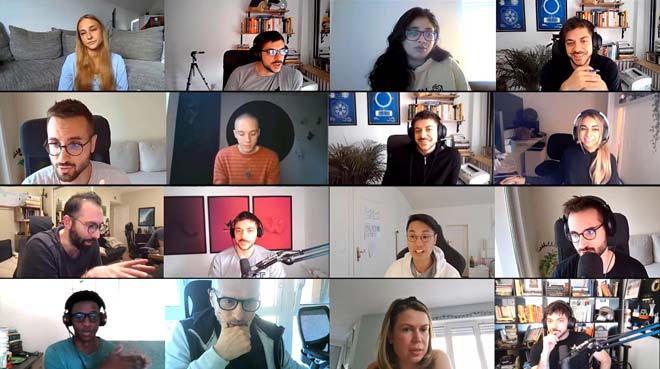
Before you join, we want to make sure this is the right course for you. That's why we take the time to learn about your background, your current Rhino experience, and what you're hoping to accomplish. During this call, we'll also give you a tour of our learning platform so you can see exactly what's inside. And of course, we'll answer every question you have on the spot.
Book a call below and let's talk soon
Your Course Teachers

Dušan Cvetković
How to Rhino
Professional Architect
Dusan is a professional architect with over 13 years of Rhino experience and the founder of How to Rhino, where he has taught Rhino to thousands of architects around the globe.
Dusan Cvetkovic is a professional architect from Serbia with extensive international experience. For over 13 years, he has been using Rhino in the architectural industry, working on projects and consulting with companies in Poland, Italy, Portugal, Denmark, and throughout freelance contracts from all around the globe.
He is the founder of the How to Rhino community, a platform dedicated to teaching architects how to use Rhino in the most efficient way possible. Through his online courses, social media channels, and YouTube tutorials, Dusan has successfully taught Rhino to thousands of students and professionals worldwide, establishing himself as a leading educator in the field.

Lazar Đurić
How to Rhino
Computational Designer
Lazar is a professional architect and computational designer with over 13 years of experience using Grasshopper on international projects, specializing in parametric modeling and digital fabrication.
Lazar Djuric is a professional architect and computational designer who has been using Rhino and Grasshopper for over 13 years. His international experience includes working in Poland, Spain, the Maldives, and China, where he had the opportunity to implement his knowledge of parametric design on a multitude of projects of all scales and typologies.
As a core member of the How to Rhino community, Lazar is responsible for teaching parametric modeling and digital fabrication. He brings his deep, hands-on project experience to the community, helping architects and designers master Grasshopper to turn their complex design ideas into reality.